
Top 9 Magic Patterns Alternatives for Product Designers in 2026
I tested 9 Magic Patterns alternatives with the same prompt and ranked each by use case. Covers Google Stitch, UXPilot, Visily, Uizard, Figma Make, Vercel v0, Motiff, Flowstep, and Framer AI.

Magic Patterns is a solid AI UI design tool. But it is not for everyone.
Maybe you don't have an existing design system to import (which is where Magic Patterns shines most). Maybe the pricing shift to usage-based credits in March 2026 caught you off guard. Or maybe you just want something simpler, cheaper, or better suited to your specific workflow.
Whatever the reason, you have great options. Magic Patterns has over 1 million designs in its community — which tells you the space is big and active. But the tools competing with it in 2026 are strong.
I tested 9 alternatives using the same prompt — a mobile e-commerce app — and ranked each one by the type of designer or team it fits best.
What Is Magic Patterns?
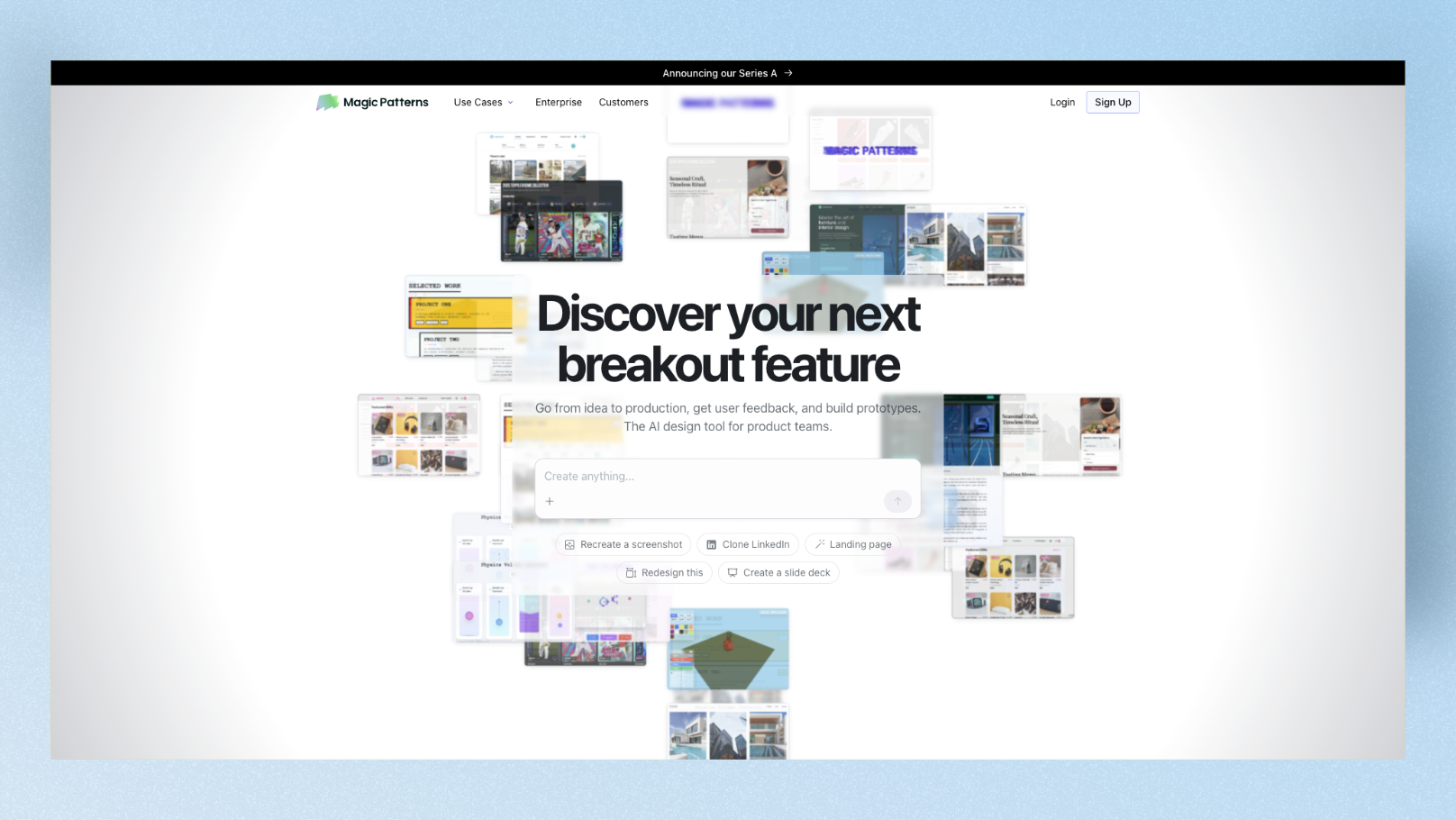
Magic Patterns is an AI-powered design tool built specifically for product teams. You give it a text prompt or a screenshot, and it generates editable UI components and screens. What sets it apart is design system integration — you can import your existing brand tokens (colors, typography, spacing), and every screen it generates will match your product's look and feel.
Magic Patterns just updated its pricing model in March 2026, moving from a flat "one prompt, one credit" system to usage-based credits that scale with request complexity. Paid plans start at $20/month.
Other key features:
- •Multiplayer canvas for real-time team collaboration
- •Chrome extension to capture any website's UI as a reference
- •Export to React, Vue, Tailwind CSS code, or Figma
- •Over 100,000 community-generated components to pull from
Who it's best for: Product teams iterating on an existing product with an established design system.
Who should look elsewhere: Solo founders starting from scratch, non-designers who find it complex, and teams without a design system to import.
The Test Prompt
To keep this comparison fair and useful, I ran every tool through the same prompt:
"Design a mobile e-commerce home screen for a sustainable fashion brand called 'Verdé.' Use a clean off-white background with forest green accents. Show a hero banner with a seasonal collection CTA, a horizontal scroll of product cards with price tags and a save-to-wishlist icon, a flash sale countdown timer, and bottom navigation tabs for Home, Search, Wishlist, and Profile."
The 9 Best Magic Patterns Alternatives in 2026
1. Google Stitch — Best Free Alternative
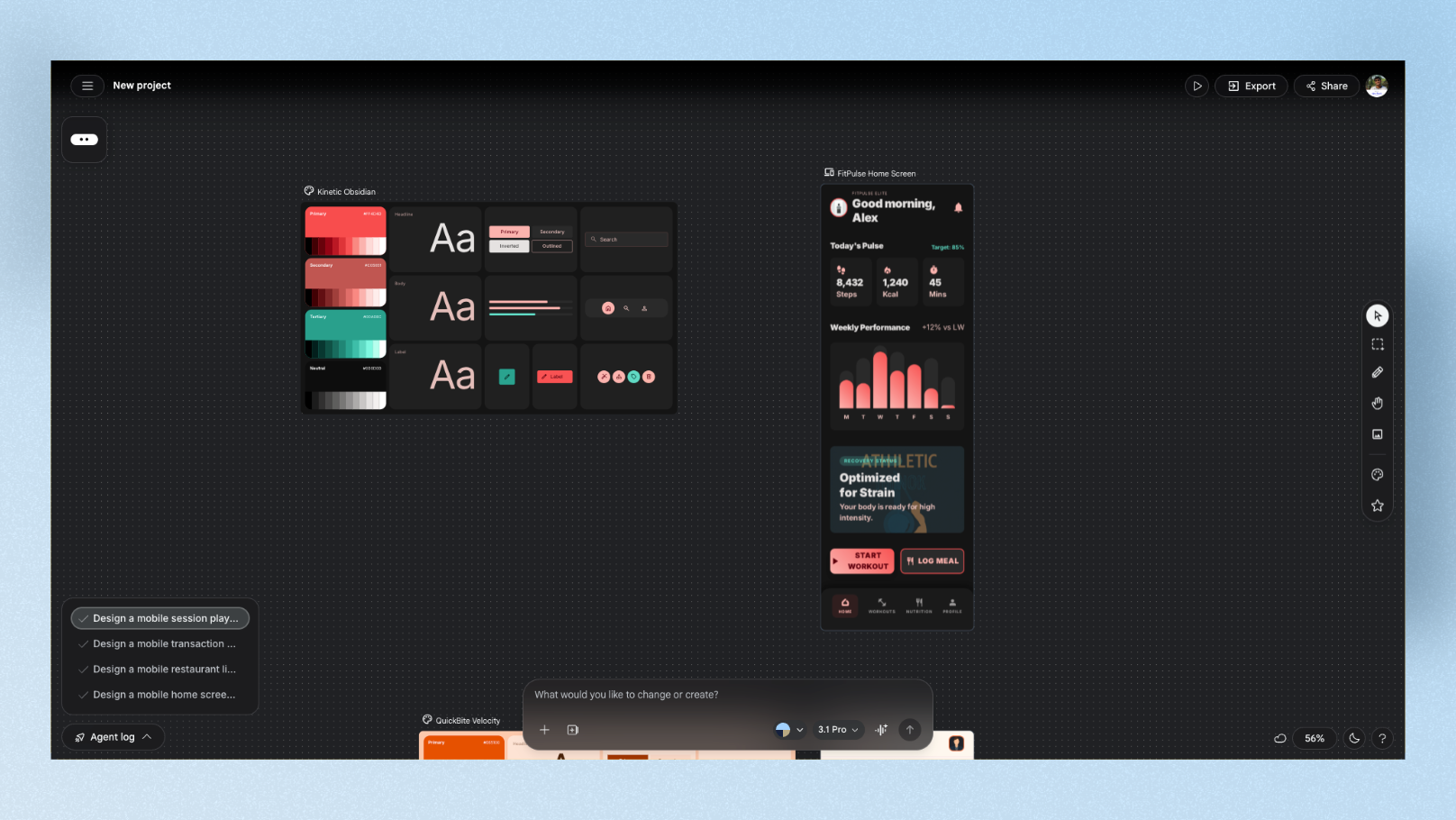
Best for: Non-designers, PMs, and startup founders who want fast, free UI exploration.
Google Stitch (formerly Galileo AI) is a free UI generation tool from Google Labs, powered by Gemini. You describe your interface and it generates layouts for both mobile and web. As of early 2026, Stitch is completely free with up to 350 generations per month — the most generous free tier of any tool on this list.
For the Verdé prompt, Stitch generated a clean layout with a strong hero section and product grid. The forest green accent came through consistently. It defaulted to a Material Design style, which felt slightly generic, but the structure was solid and demo-ready in seconds.
What Stitch does well:
- •Completely free — no credit card required
- •Exports to Figma (in Standard mode) or HTML/CSS
- •Two modes: Standard (fast) and Experimental (Gemini 2.5 Pro, supports image input)
What to know:
- •Experimental mode doesn't support Figma export — you have to choose between image input and Figma handoff
- •Limited editing control after generation
- •Long-term availability uncertain as a Google Labs project
Pricing: Free (no paid tier during Labs phase)
2. UXPilot — Best for Full UX Workflow
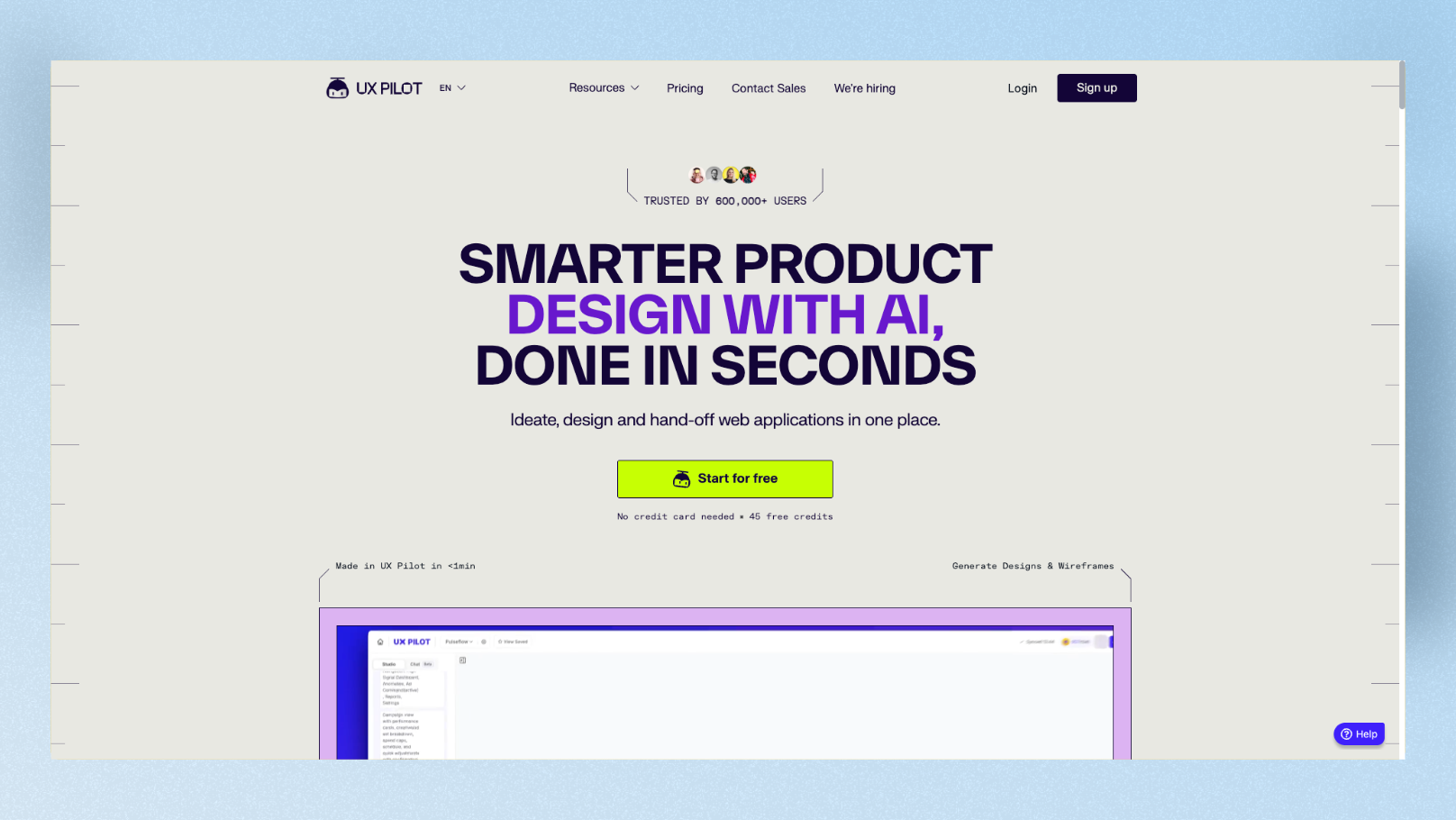
Best for: Designers who want wireframes, hi-fi screens, heatmaps, and Figma handoff — all in one place.
UXPilot covers more stages of the UX process than most tools on this list. You can go from a text prompt to a structured screen, generate heatmaps to predict where users will focus, build screen flows, and export to Figma — all without switching apps.
For the Verdé prompt, UXPilot produced a functional multi-screen layout with clear navigation. The product cards were well-structured and the countdown timer section was placed logically. The layouts follow clear design patterns and make a good starting point for real products. The visual output was functional but leaned generic — good for handoff, less impressive as a finished visual.
What UXPilot does well:
- •Predictive heatmaps to test layouts before building
- •Screen flow builder for full user journeys
- •Figma plugin for direct export (structured, with layers)
- •HTML and CSS code generation
What to know:
- •Free and Standard plans feel limited quickly for heavy users
- •Visual output can feel less polished than dedicated design-first tools
Pricing: Free tier available. Standard plan starts at $15/month. Paid plans from $19/month
3. Visily — Best for Non-Designer Teams
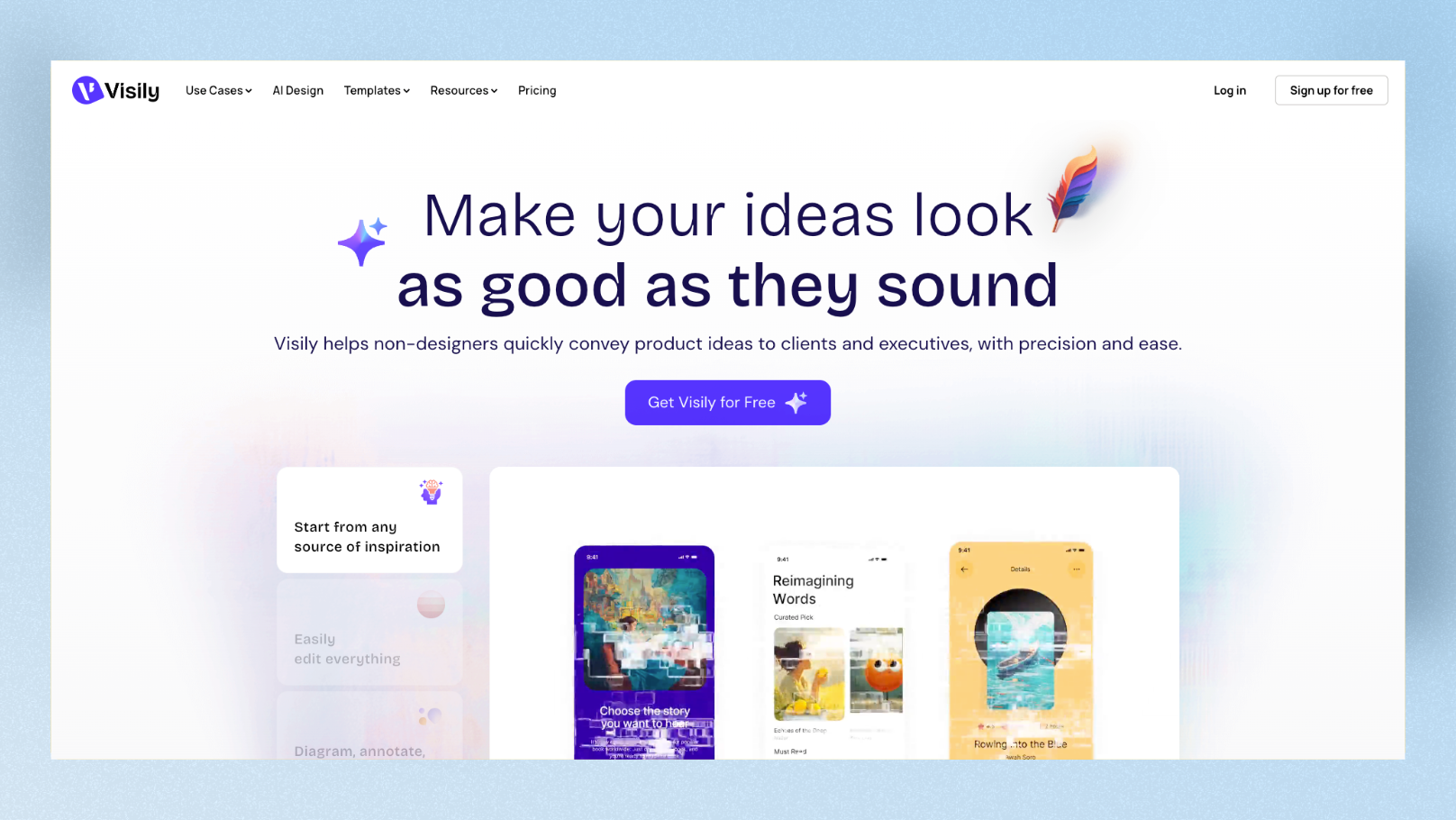
Best for: Product managers, non-designer teams, and anyone who needs a visual workspace for collaboration without a design background.
Visily is one of the easiest AI design tools to pick up in 2026. It has a 1,500+ template library, a prompt-to-wireframe generator, a screenshot-to-design converter, and real-time collaboration built in. The free plan gives 300 credits per month (roughly 10 generated screens), with no project cap — you can work on as many projects as you want.
For the Verdé prompt, Visily produced a clean, mid-fidelity layout. The product cards were clear and the bottom navigation was well-placed. It won't wow you with visual design — but it's fast, structured, and easy for a full team to jump into without training.
What Visily does well:
- •The most team-friendly free plan on the list (no project limit)
- •Two-way Figma integration (import and export)
- •Screenshot-to-design conversion
- •1,500+ templates covering web, mobile, and tablet layouts
What to know:
- •Design output stays at mid-fidelity — not ideal if you need a polished final design
- •Best used as an ideation and alignment tool, not a production design tool
Pricing: Free plan available. Pro starts at $11/month (annual billing)
4. Uizard — Best for Sketch-to-Screen Conversion
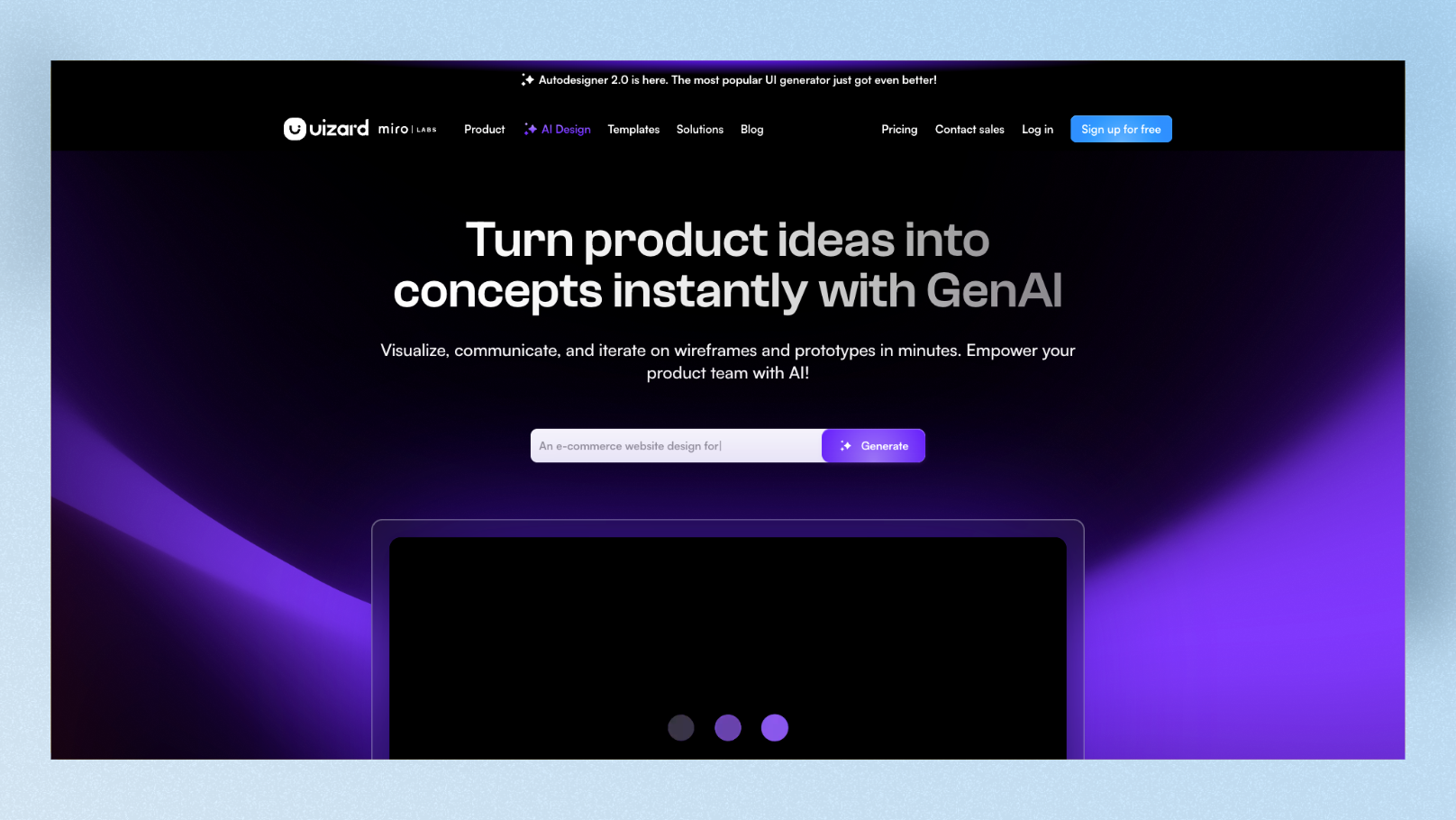
Best for: Teams who sketch ideas on paper or whiteboards and want to turn those into digital wireframes fast.
Uizard has been around since 2018 and was acquired by Miro in 2024. Its standout feature is the wireframe scanner — you can photograph a hand-drawn sketch and Uizard converts it into an editable digital wireframe. The Autodesigner 2.0 update added conversational editing, so you can refine designs by typing instructions rather than regenerating from scratch.
For the Verdé prompt, Uizard's output was structured and mid-fidelity. Product card grids rendered cleanly and the hero section was clear. The conversational editing was genuinely useful — I typed "make the hero image taller and add a subtitle" and it updated just that section.
What Uizard does well:
- •Wireframe scanner: sketch → digital wireframe (unique to Uizard)
- •Conversational editing via Autodesigner 2.0
- •Strong real-time collaboration (likely boosted by Miro's infrastructure)
- •Cross-platform support: desktop, mobile, and tablet viewports
What to know:
- •No native Figma export — workaround is SVG export, which loses click-through prototyping
- •The 3 AI generations per month on free makes proper testing almost impossible
Pricing: Free plan (very limited). Paid plans from $12/month (annual)
5. Figma Make (Figma AI) — Best if You're Already in Figma
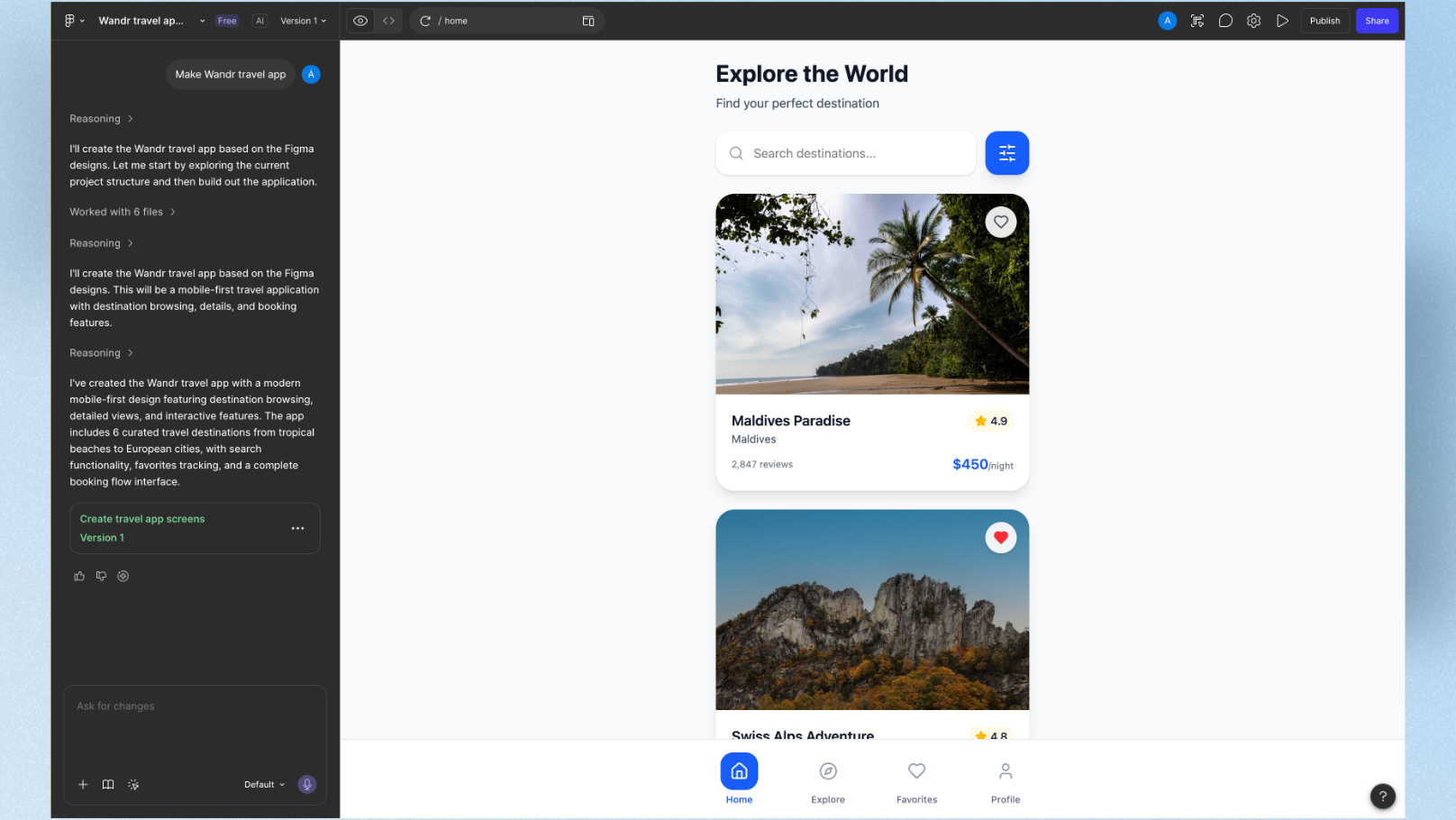
Best for: Designers and product teams already using Figma who want AI features without leaving their existing workflow.
Figma Make adds AI-powered UI generation directly inside the Figma editor. You describe what you want, and it generates interactive prototype screens within your existing Figma files. There's no export step — everything is already where your team works.
For the Verdé prompt, Figma Make generated a usable layout with clear component structure. The output felt native to Figma — editable layers, auto-layout, and consistent with Figma's component ecosystem. For teams already paying for Figma, this is the lowest-friction AI option.
What Figma Make does well:
- •Zero context-switching — AI lives inside your existing tool
- •Native Figma layers and auto-layout in every output
- •Image generation, background removal, and layer renaming included
- •Works with your existing component libraries and design tokens
What to know:
- •AI generation quality is still catching up to dedicated tools
- •Only valuable if your team is already paying for Figma
Pricing: Included with Figma paid plans (Professional from $15/editor/month)
6. Vercel v0 — Best for Developers Who Need UI Code
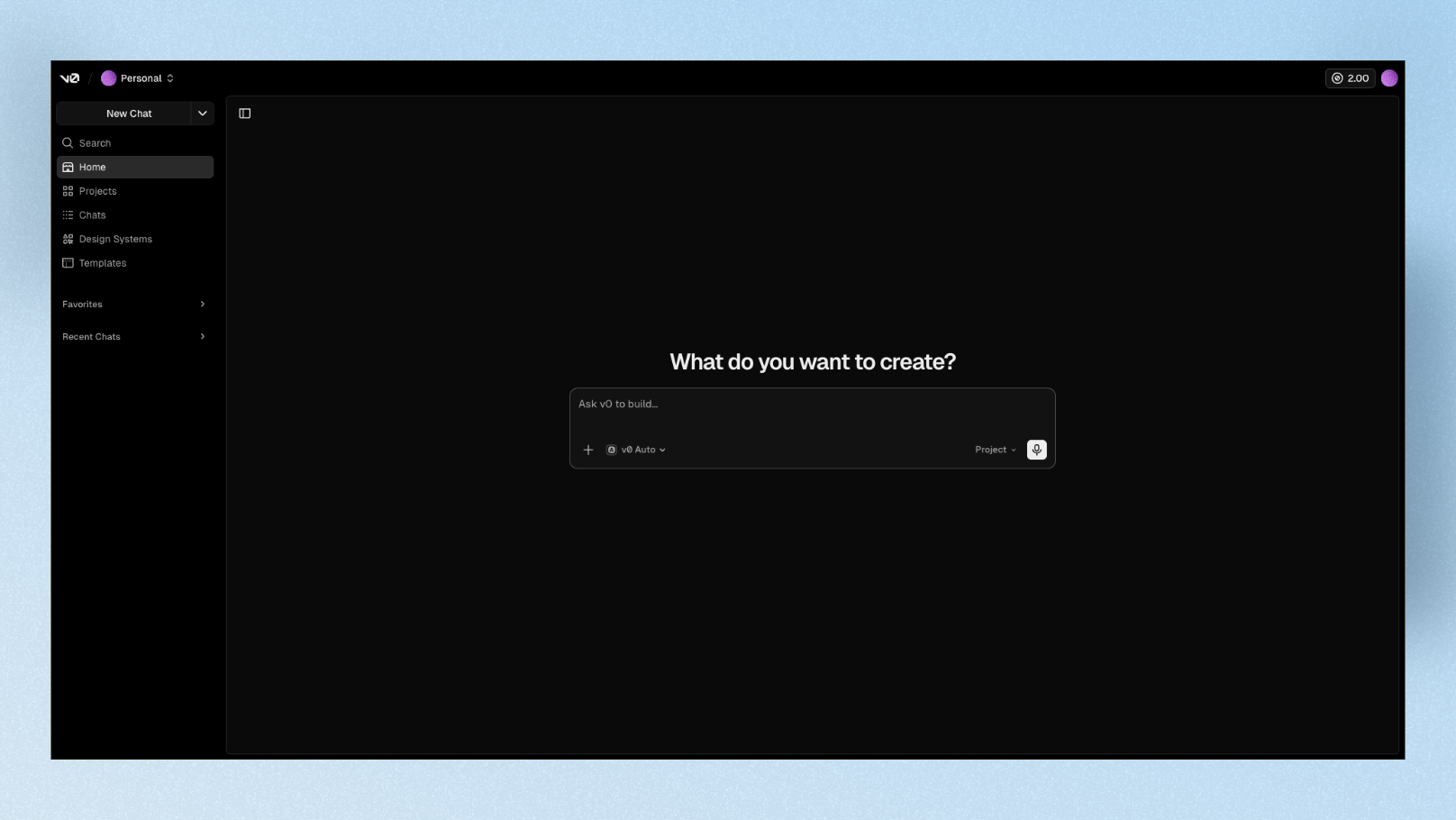
Best for: Frontend developers who want production-ready React components, not design files.
Vercel v0 is a different category from the other tools on this list. It doesn't generate design files — it generates React code using Tailwind CSS and shadcn/ui. The output is copy-pasteable into a Next.js or React project. The UI quality from v0 is noticeably higher than most AI builders because it is laser-focused on frontend excellence.
For the Verdé prompt, v0 generated a polished product card grid and hero section — as working React components. A designer might need to export from Figma first. But for a developer who wants to skip the "design to code" translation entirely, v0 is the most efficient path.
What v0 does well:
- •Generates production-ready React + Tailwind + shadcn/ui components
- •Screenshot-to-code: upload a design or screenshot, get working code
- •Seamless deployment to Vercel
- •Iterative refinement via chat
What to know:
- •No design file output — Figma export, visual canvas, or collaboration features are not part of this tool
- •Not useful if you're not already working in React/Next.js
Pricing: Free tier available. Premium from $20/month
7. Motiff — Best for Turning Designs Directly into Code
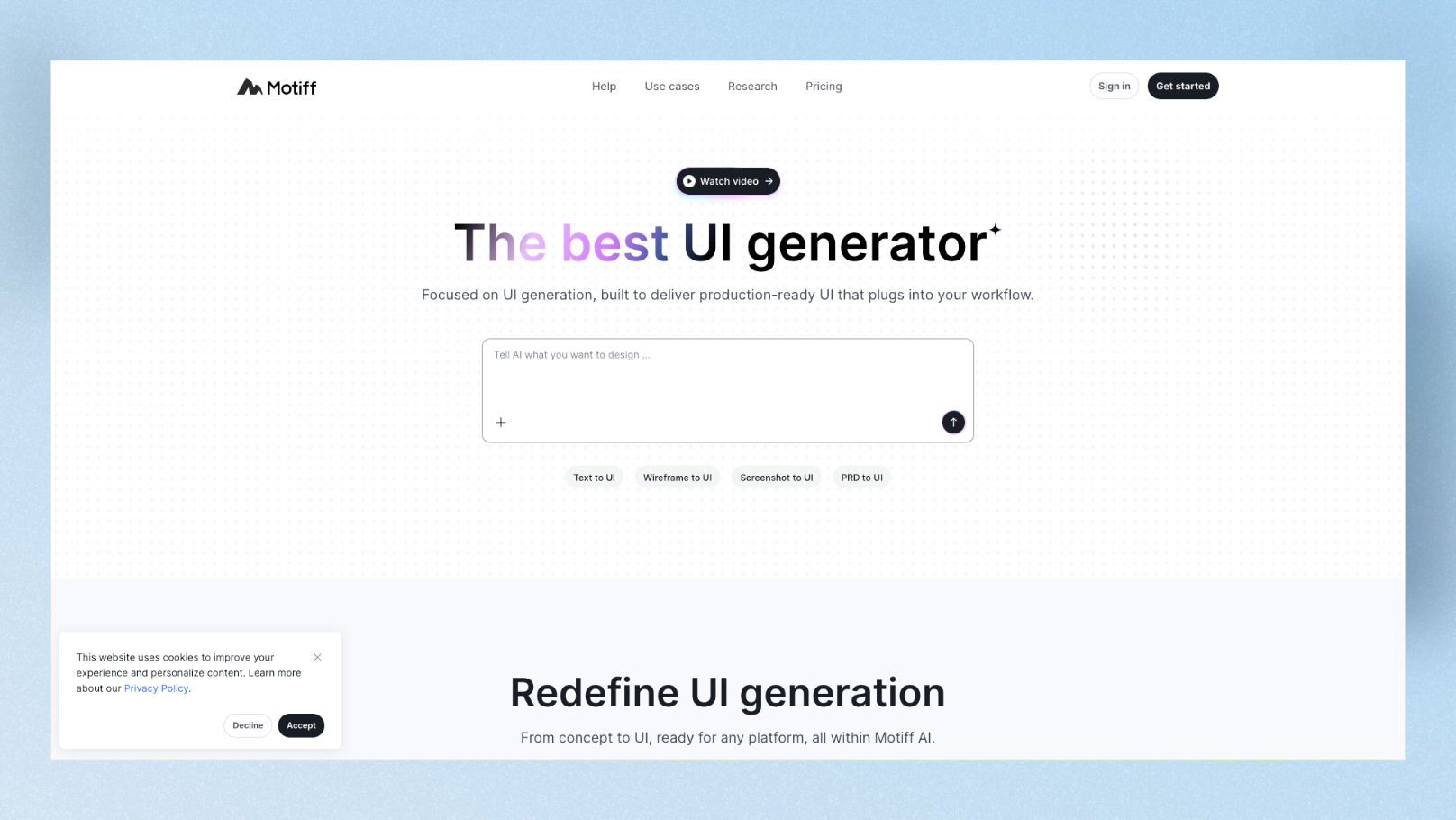
Best for: Small dev teams who want to design and ship code in one tight loop — without a lengthy design-to-handoff process.
Motiff is an AI-first design tool built for speed and code quality. Its free plan includes 100 credits per month. Its Pro plan at $16/month offers React and HTML code generation that reviewers consistently call cleaner than generic HTML exporters. The React export quality is notably better than generic HTML generators, and the design interface mirrors Figma enough that existing Figma users can onboard fast.
For the Verdé prompt, Motiff generated a clean layout and — crucially — the code export matched the design closely. Product cards, navigation, and the countdown timer all rendered in code without major cleanup needed.
What Motiff does well:
- •Best code export quality on this list — React output especially
- •Figma-like interface (easy migration for existing Figma users)
- •AI Design System tools for brand consistency
- •Overall price is less than 25% of Figma with comparable features
What to know:
- •Credit system can feel restrictive during heavy exploration phases
- •Not as strong for multi-screen prototyping as tools like Visily or UXPilot
Pricing: Free plan (100 credits/month). Pro from $16/month
8. Flowstep — Best for Full-Screen Flow + Figma Handoff
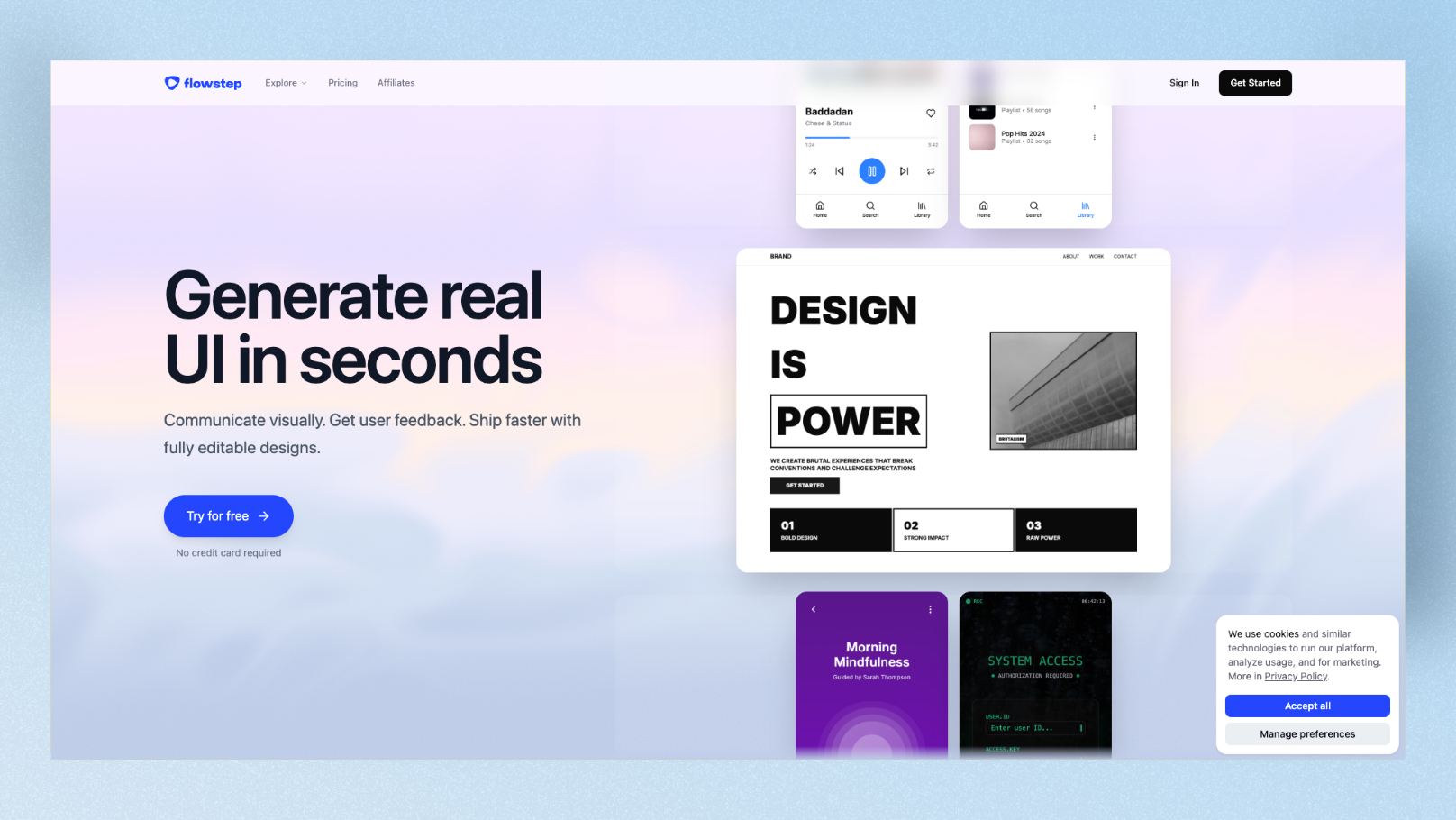
Best for: Designers who create full user flows (not just individual screens) and need clean, direct handoff to Figma.
Flowstep is built for teams that think in flows, not frames. It generates connected multi-screen flows from a single prompt, and its Figma integration saves hours compared to tools that require manual file exports. The standout feature: Flowstep exports production-ready React, TypeScript, and Tailwind CSS with a 1:1 match to your designs — what you design is exactly what developers get.
For the Verdé prompt, Flowstep produced one of the best multi-screen outputs on this list. The home screen, search, wishlist, and profile tabs were all generated as a connected flow, not just isolated screens.
What Flowstep does well:
- •Multi-screen flow generation in a single prompt
- •1:1 code export (React + TypeScript + Tailwind) — zero cleanup needed
- •Direct Figma integration for design review and iteration
- •Supports unlimited teammates collaborating on an infinite canvas
What to know:
- •Less well-known than other tools — community and template library are smaller
- •Best for teams that already have a clear product direction
Pricing: From $15/month
9. Framer AI — Best for Publishing Directly to the Web
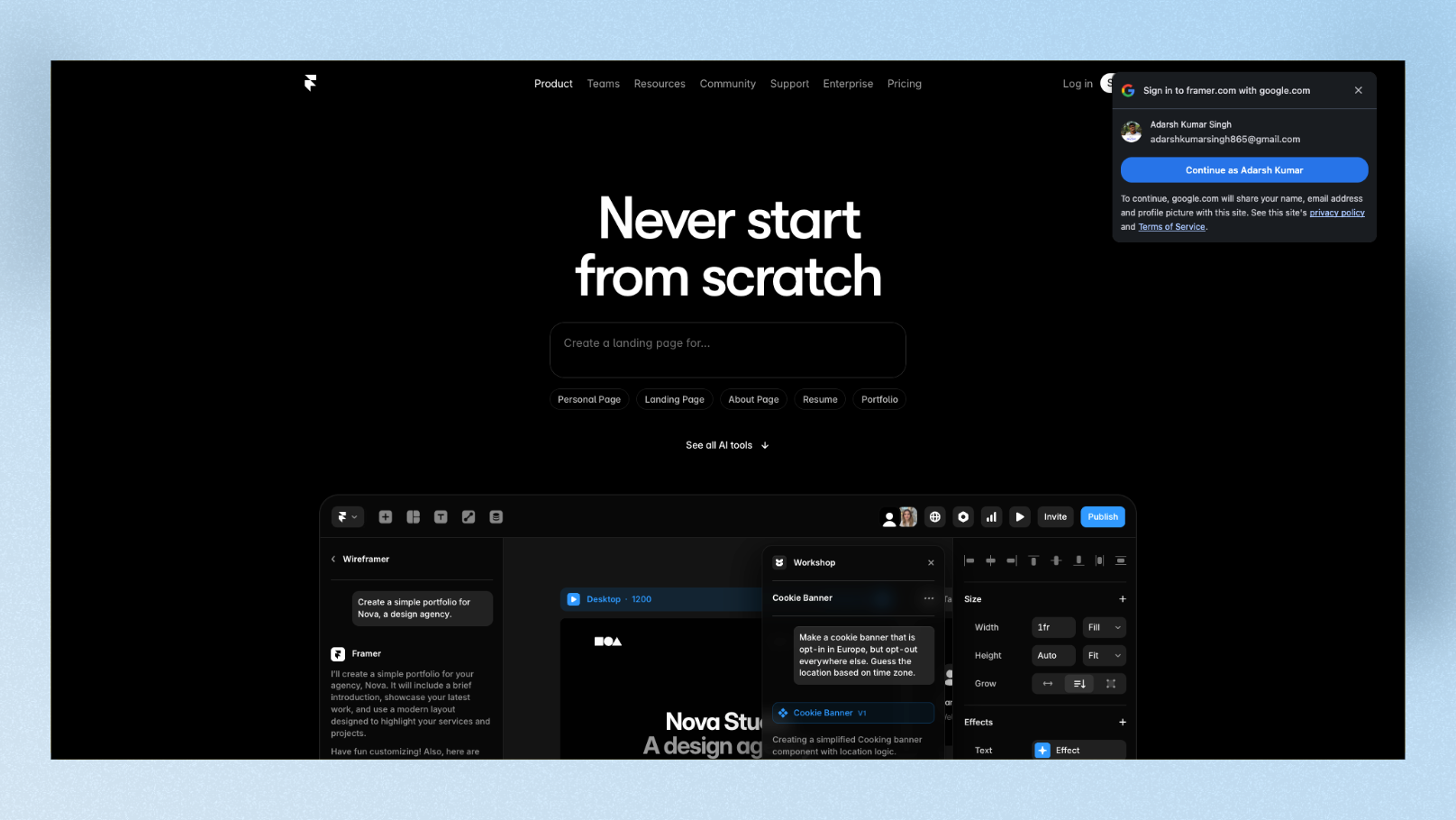
Best for: Founders, marketers, and product teams who want to go from a UI design prompt directly to a live, published website or landing page.
Framer sits in a different bucket from the other tools here. It's not just a design or prototyping tool — it publishes directly to the web with real hosting, custom domains, and animations. Its AI layer lets you generate page sections and layouts from text prompts, which you can then publish instantly.
For the Verdé prompt, Framer generated a beautiful, animated hero section with the product card grid — and I could publish it as a live URL in one click. If your goal is a working storefront or landing page rather than a design handoff file, Framer is in a class of its own.
What Framer does well:
- •Generates designs AND publishes them live — no separate hosting step
- •Built-in animations and scroll effects without code
- •Custom domain support on paid plans
- •Strong for landing pages, marketing sites, and product showcases
What to know:
- •Not ideal for complex app logic or multi-step workflows
- •Better for web publishing than app prototyping
- •Less Figma-friendly than dedicated design tools
Pricing: Free plan available. Paid plans from $5/month (mini) to $30/month (pro)
Quick Comparison Table
| Tool | Best for | Figma export | Code export | Free plan | Paid from |
|---|---|---|---|---|---|
| Google Stitch | Free exploration | Yes (Standard mode) | HTML/CSS | Yes (350 gen/mo) | Free |
| UXPilot | Full UX workflow | Yes (plugin) | HTML/CSS | Yes | $15/mo |
| Visily | Non-designer teams | Yes (two-way) | No | Yes | $11/mo |
| Uizard | Sketch-to-screen | SVG only | No | Very limited | $12/mo |
| Figma Make | Figma-native teams | Native | No | With Figma plan | $15/editor |
| Vercel v0 | React developers | No | React/Tailwind | Yes | $20/mo |
| Motiff | Design-to-code teams | Yes | React/HTML | Yes | $16/mo |
| Flowstep | Full user flows | Yes (direct) | React/TS/Tailwind | No | $15/mo |
| Framer AI | Web publishing | Limited | No | Yes | $5/mo |
Which One Should You Pick?
Here's the short version:
- •You need something free right now: Start with Google Stitch. 350 free generations per month, no card required.
- •You're a PM or non-designer: Visily or Uizard. Both are built for people without a design background.
- •You're already in Figma: Figma Make. No new tool, no export step.
- •You're a developer who wants code, not design files: Vercel v0 or Motiff.
- •You need full user flows with clean Figma handoff: Flowstep.
- •You want to publish something live from a prompt: Framer.
- •You work on an existing product with a real design system: Stick with Magic Patterns. The alternatives here are better for starting fresh.
One Thing All These Tools Have in Common
Every tool on this list — including Magic Patterns — generates UI that can feel generic if you let the AI guess your brand. You'll see similar card layouts, similar spacing defaults, and similar color applications.
The best way to fix that is to define your visual direction first — especially if you're building a mobile app. Most of these tools are web-focused and struggle with mobile-specific UI patterns. Floow is built specifically for mobile app UI design — generate and refine your mobile screens with AI before passing them into any code generator or handing off to a developer. Think of it as doing your mobile design thinking before your design prompting.
FAQ: Magic Patterns Alternatives
What is the best free alternative to Magic Patterns in 2026?
Google Stitch is the most generous free option, offering up to 350 generations per month with no cost and no credit card required. Visily's free plan is also strong, with 300 credits per month and no project cap, making it better for teams managing multiple projects simultaneously.
Which Magic Patterns alternative is best for developers who want code output?
Vercel v0 generates production-ready React and Tailwind CSS components — the output is code from the start, not a design file you have to convert. Motiff and Flowstep also export clean React code, but both start from a visual design first, which suits teams that want to review the layout before committing to code.
Do any of these alternatives work without a Figma account?
Yes — several work completely standalone. Google Stitch, Visily, UXPilot, Uizard, Vercel v0, Motiff, and Flowstep all work without requiring Figma. Figma Make is the only tool on the list that requires an active Figma account. That said, most tools offer Figma export as an option if you want to move your designs there later.
Is Magic Patterns still worth it in 2026 after the pricing change?
It depends on how you use it. Magic Patterns moved to usage-based credits in March 2026, meaning complex requests now cost more than simple ones. If you're regularly generating full prototypes with complex interactions, costs may rise. For teams with an existing design system who use Magic Patterns for feature prototyping, the value is still strong. For solo founders or early-stage teams starting from scratch, the alternatives above offer better value.
Can I use any of these tools to generate a mobile app UI specifically?
Yes — Google Stitch, Visily, Uizard, UXPilot, Figma Make, and Motiff all support mobile app UI generation. They all let you specify mobile viewport and generate screens with mobile-appropriate navigation patterns (bottom tabs, card lists, etc.). Vercel v0 generates mobile-responsive React components but doesn't have a visual mobile preview mode. Framer is better suited for mobile web than for app prototyping.
Pricing checked March 2026. Always verify current plans on each tool's official website before subscribing.
Design your mobile app with AI.
Generate pixel-perfect iOS and Android screens in seconds, then export to Figma or code.
You might also like…
 Comparisons28 March 2026MagicPath Alternatives for Product Managers in 2026, RankedI tested 8 MagicPath AI alternatives against 5 real PM scenarios. Ranked by stakeholder speed, ease of use, dev handoff quality, and pricing predictability for product managers.By floow.design, Editorial
 Insights24 September 2026How Much Does an AI App Design Tool Cost?Compare AI app design subscriptions, credits, seat limits and export costs so you can budget a prototype without paying for unusable output.By floow.design Team, Mobile Design
 Insights24 September 2026Free AI tool for UI design: Free tier limitsSee where free AI UI design plans stop: screen caps, export limits, paid gates, reset rules, and the upgrade prompts that matter.By floow.design Team, Mobile Design