MagicPath Alternatives for Product Managers in 2026, Ranked
I tested 8 MagicPath AI alternatives against 5 real PM scenarios. Ranked by stakeholder speed, ease of use, dev handoff quality, and pricing predictability for product managers.

Most MagicPath AI reviews are written for designers. This one isn't.
As a PM, you don't care about pixel-perfect components or React export quality. You care about three things: Can I show stakeholders something real today? Can engineering understand what I mean without a 90-minute call? And will this eat my entire week to learn?
Over 58% of product managers now use AI prototyping or no-code tools in their weekly workflow. The tools in this space, including MagicPath, were mostly built for designers. Some of them work great for PMs anyway. Some don't.
I tested 8 MagicPath alternatives against 5 real PM scenarios — the actual situations where you need a design tool and your designer isn't available. Here's what actually works.
What Is MagicPath AI and Why Are PMs Using It?
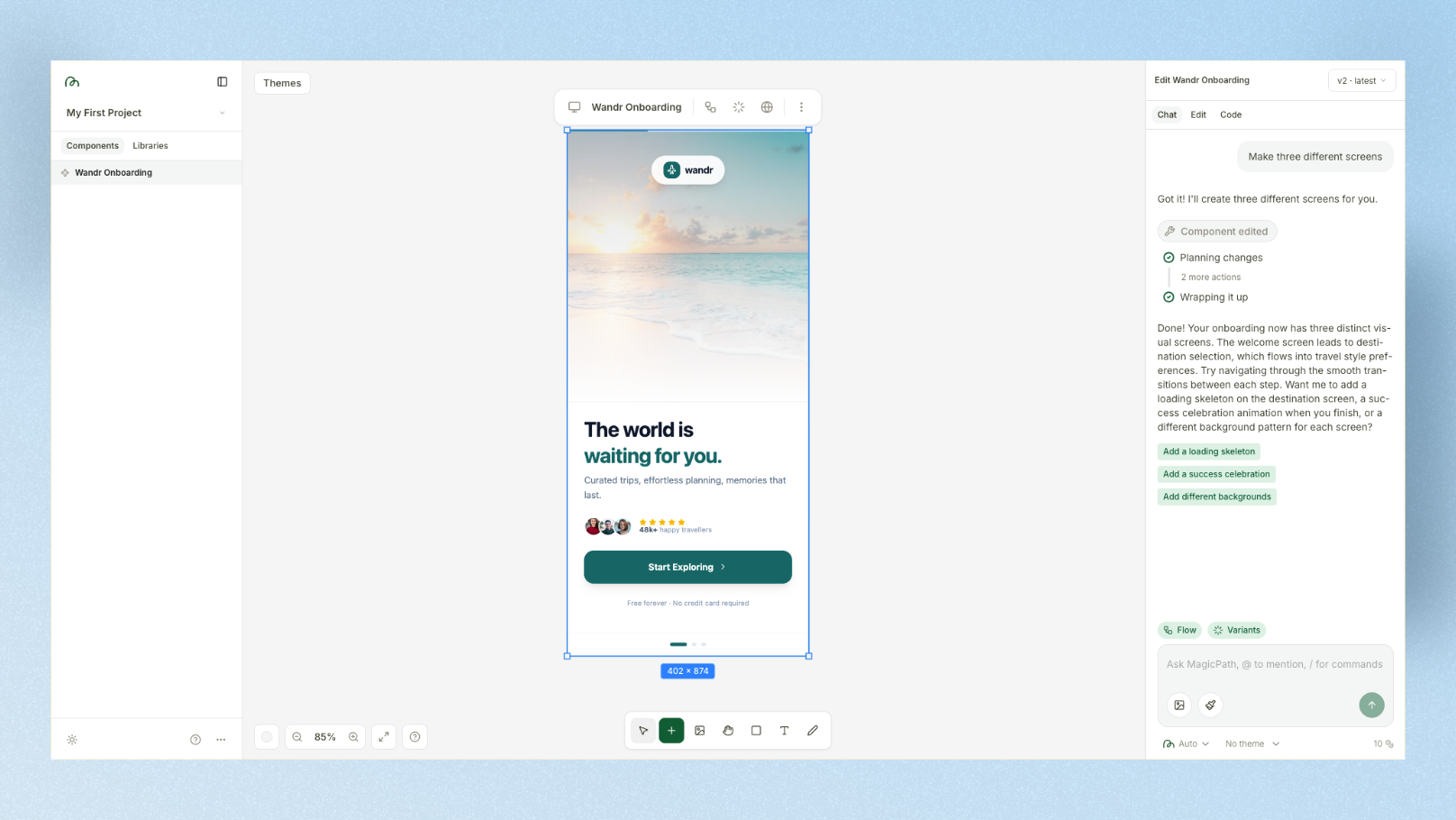
MagicPath AI is an AI design tool built on an infinite canvas. Created by Pietro Schirano (formerly at Uber and Facebook), it's sometimes called "the Cursor moment for design." You type a prompt, get a UI layout, refine it with follow-up prompts, and share a clickable prototype via link — no login required for the viewer.
For PMs, that last part is the real selling point. MagicPath generates shareable preview links that anyone can view without creating an account — which makes it useful for quick stakeholder check-ins.
Where MagicPath AI shines:
- •Infinite canvas for mapping multi-screen flows
- •Variant generation (create 3–4 versions of the same screen quickly)
- •Chrome extension to capture any website as a reference
- •React/code export for developer handoff
- •No-login sharing for client and stakeholder presentations
Where PMs hit friction:
- •Invisible updates: MagicPath sometimes claims to apply changes that don't appear — requiring a refresh or full project reload
- •Cross-project component reuse is limited — a library built in one project can't be loaded into another
- •Learning curve for PMs unfamiliar with infinite canvas tools
- •Limited advanced Figma synchronization and deep code customization
The PM Test: 5 Real Scenarios, 1 Prompt
To keep this comparison grounded, I picked one prompt that covers a real PM situation across all 8 tools — building a quick onboarding flow for a travel booking app to show to stakeholders before the next sprint.
My PM Test Prompt
"Design a 3-screen mobile onboarding flow for a travel booking app called 'Wandr.' Screen 1: Welcome screen with app logo, tagline 'Your next trip starts here,' and a Get Started CTA. Screen 2: Destination picker with a search bar and 3 popular destination cards showing a photo, city name, and flight time. Screen 3: User preference setup with toggles for Solo travel, Family trips, and Adventure, plus a Next button. Use a clean white background with deep teal accents."
PM Scorecard: How I Rated Each Tool
For each tool, I rated 4 dimensions that matter specifically to product managers — not designers:
- •Speed to stakeholder-ready — How fast can I share something a non-designer exec will understand?
- •No-design-skill needed — Can a PM use this without design training?
- •Dev handoff quality — How clean is the output for engineering?
- •Pricing predictability — Can I budget this without credit anxiety?
Score out of 10 for each dimension.
The 8 Best MagicPath Alternatives for PMs in 2026
1. Google Stitch — Best for Sprint Planning Ideation
PM scenario: You have 20 minutes before sprint planning and you need to visualize a new feature idea so the team stops debating in the abstract.
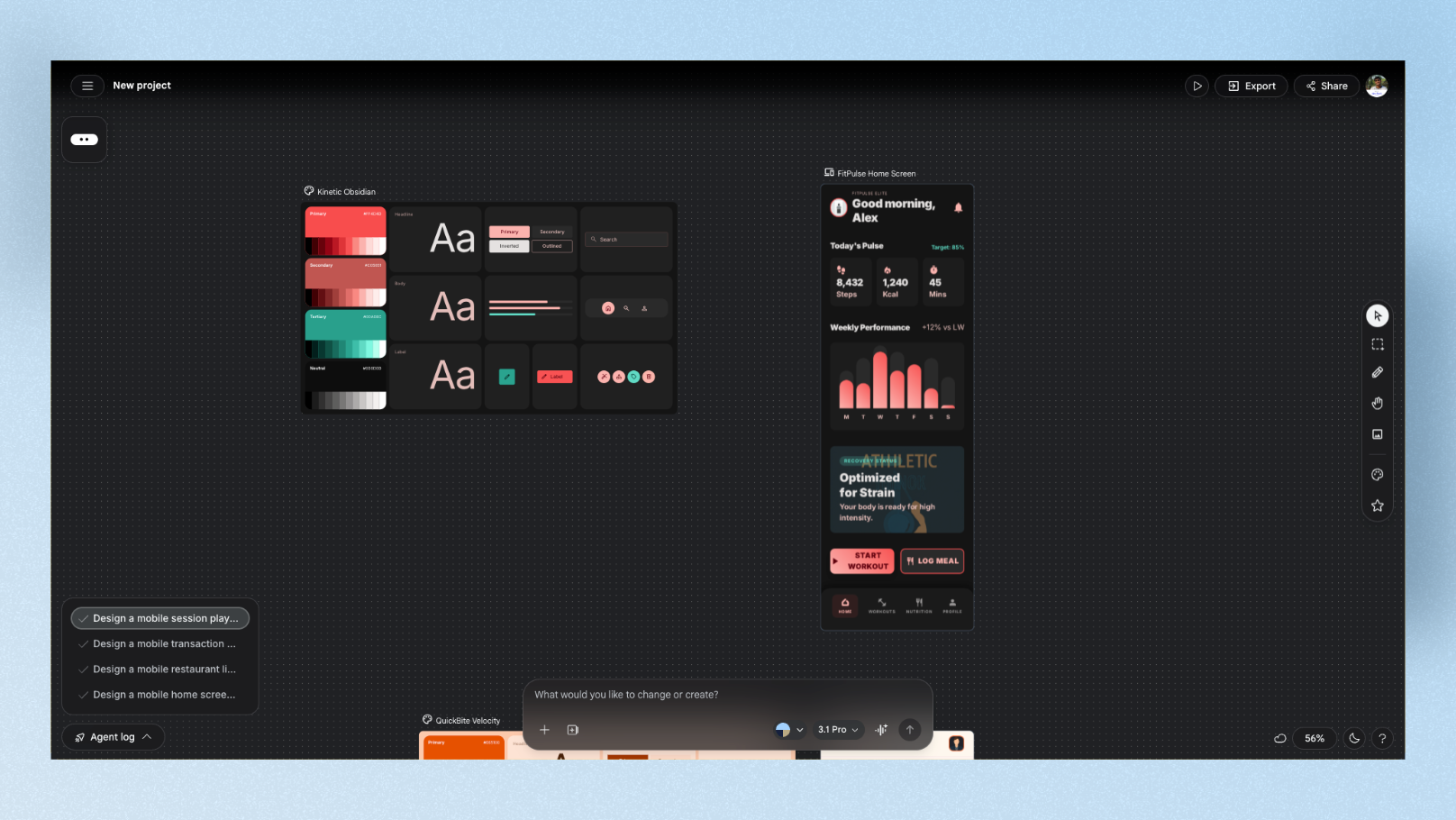
Google Stitch is completely free, requires no setup, and generates multi-screen UI flows from text prompts in under 2 minutes. For the Wandr prompt, it generated all 3 screens with correct navigation structure, teal accents, and clear destination cards. The output was clean enough to drop directly into a sprint planning presentation.
The caveat: Stitch missed a detail in testing — a key navigation element was absent from one screen, requiring a follow-up prompt. But for a tool that costs nothing and works in seconds, that's an acceptable trade-off.
PM Scorecard:
| Dimension | Score |
|---|---|
| Speed to stakeholder-ready | 9/10 |
| No-design-skill needed | 9/10 |
| Dev handoff quality | 6/10 |
| Pricing predictability | 10/10 (free) |
Best for: PMs who need fast visual ideas for internal discussions, zero budget, zero design experience. Pricing: Free — 350 generations/month, no paid plan during Labs phase
2. UXPilot — Best for User Research Flows
PM scenario: You're running a usability test next week and need a clickable prototype your researcher can hand to test participants.
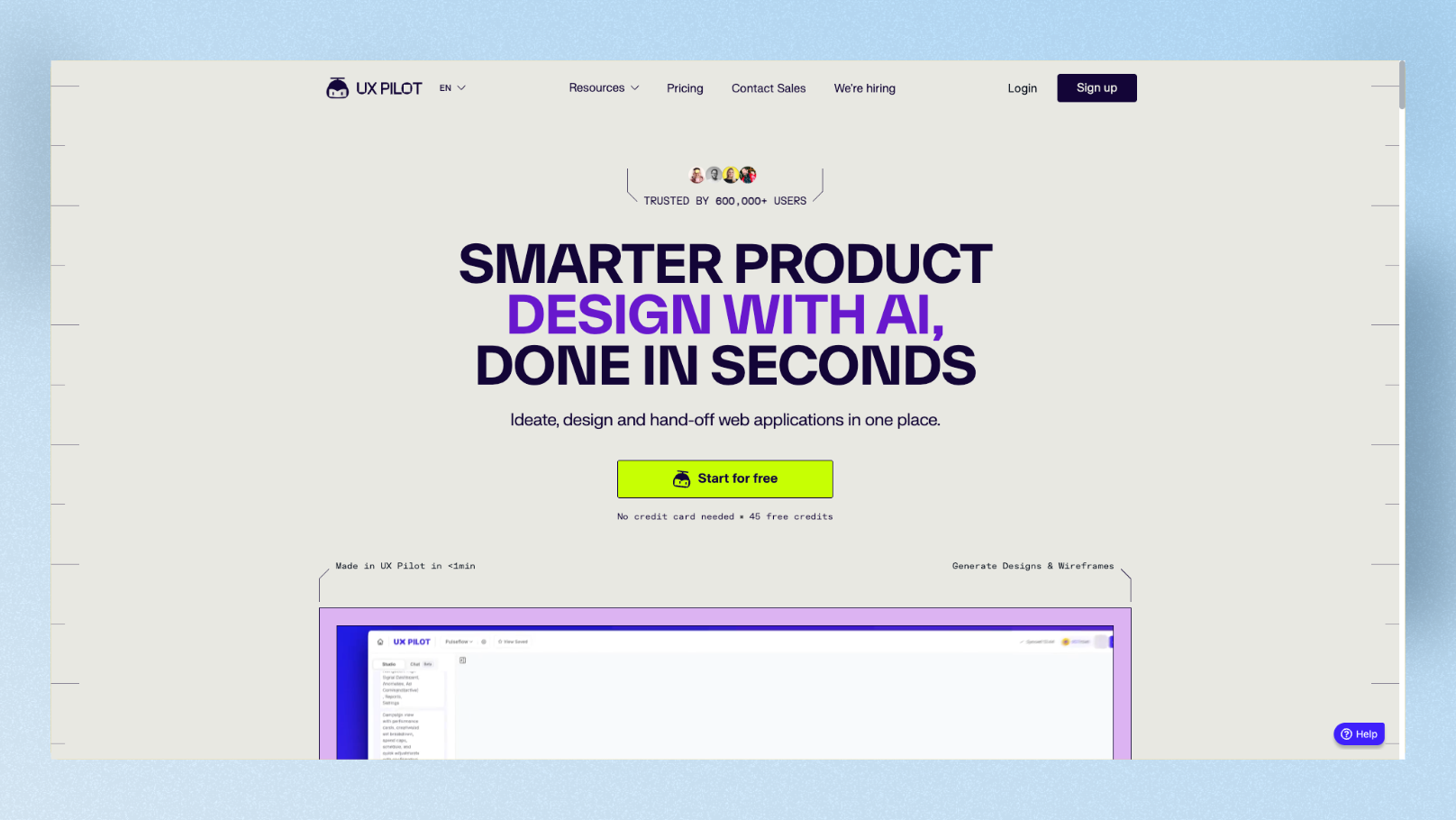
UXPilot covers more of the PM-to-UX workflow than almost any other tool. It generates wireframes and hi-fi screens from prompts, builds connected screen flows, creates predictive heatmaps (so you can see where users are likely to look before running a test), and exports directly to Figma with structured layers.
For the Wandr prompt, UXPilot built all 3 screens with logical flow connections. The preference toggles on Screen 3 were well-structured and the destination cards had clear hierarchy. The heatmap prediction feature is genuinely useful — it showed the CTA button on Screen 1 had lower predicted attention than expected, which would have been a real design issue.
PM Scorecard:
| Dimension | Score |
|---|---|
| Speed to stakeholder-ready | 7/10 |
| No-design-skill needed | 7/10 |
| Dev handoff quality | 7/10 |
| Pricing predictability | 8/10 |
Best for: PMs who run or support user research and need prototypes that connect directly to a testing workflow. Pricing: Free tier available (45 one-time credits). Paid from $15/month
3. Figma Make (Figma AI) — Best for Stakeholder Alignment When Your Team Uses Figma
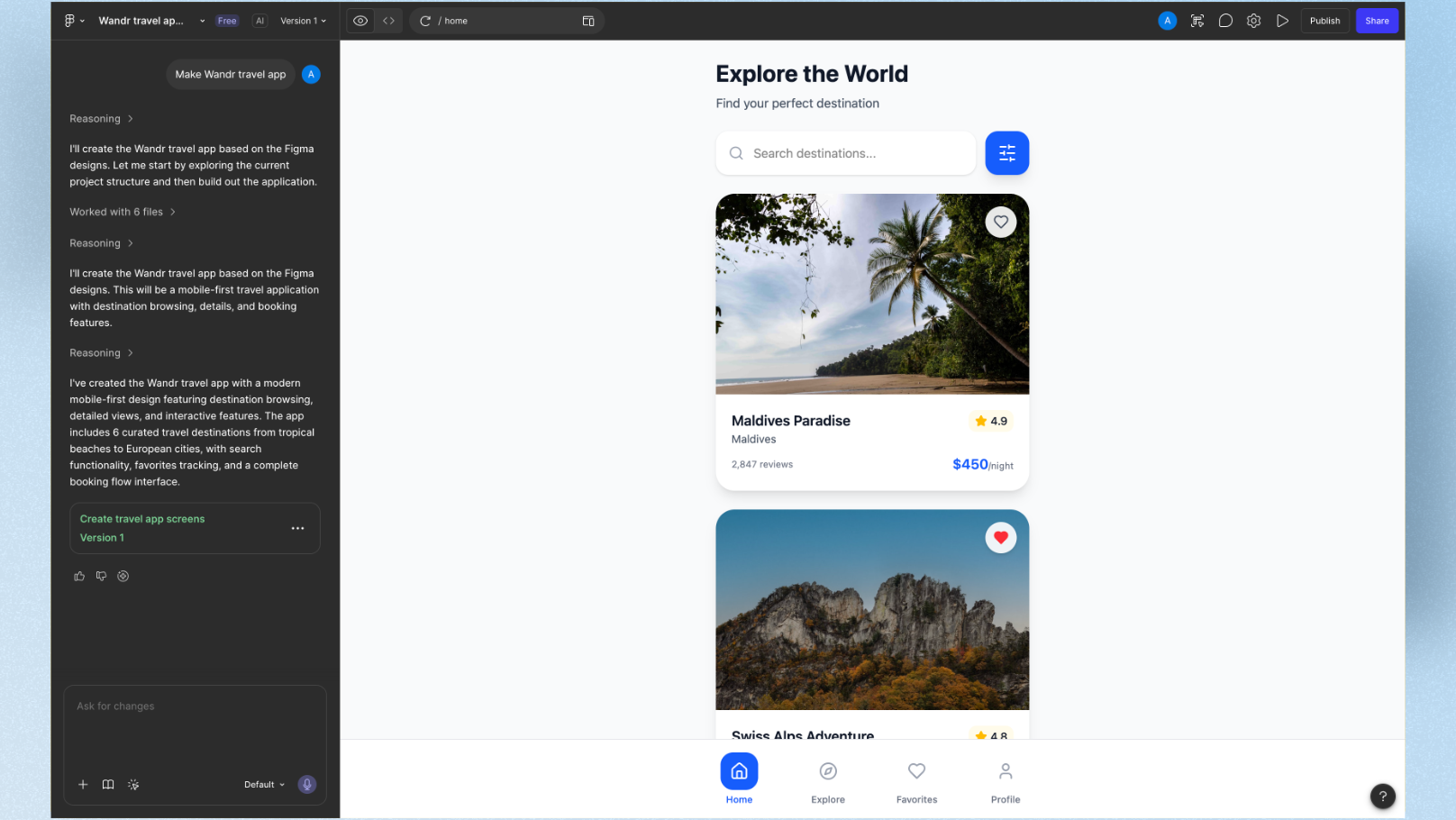
PM scenario: Design and engineering are already working in Figma. You want to add a new idea to the shared workspace without creating a separate file for your stakeholders to get confused by.
Figma Make generates interactive prototype screens directly inside Figma from text prompts. For the Wandr prompt, it produced all 3 screens with auto-layout and editable layers — meaning the design team could refine them immediately without any export step. Figma connects strategy to execution — plan, design, and ship in one connected workflow.
The limitation for PMs: Figma AI can encourage shallow iteration — teams generate many screens without validating behavior or usability. It's a powerful tool when used deliberately, not as a substitute for thinking through the user flow first.
PM Scorecard:
| Dimension | Score |
|---|---|
| Speed to stakeholder-ready | 8/10 |
| No-design-skill needed | 6/10 |
| Dev handoff quality | 9/10 |
| Pricing predictability | 7/10 |
Best for: PMs embedded in teams already using Figma who want to contribute ideas directly to the design file. Pricing: Included with Figma paid plans. Professional from $15/editor/month
4. Miro AI — Best for PM Workshops and Cross-Team Brainstorming
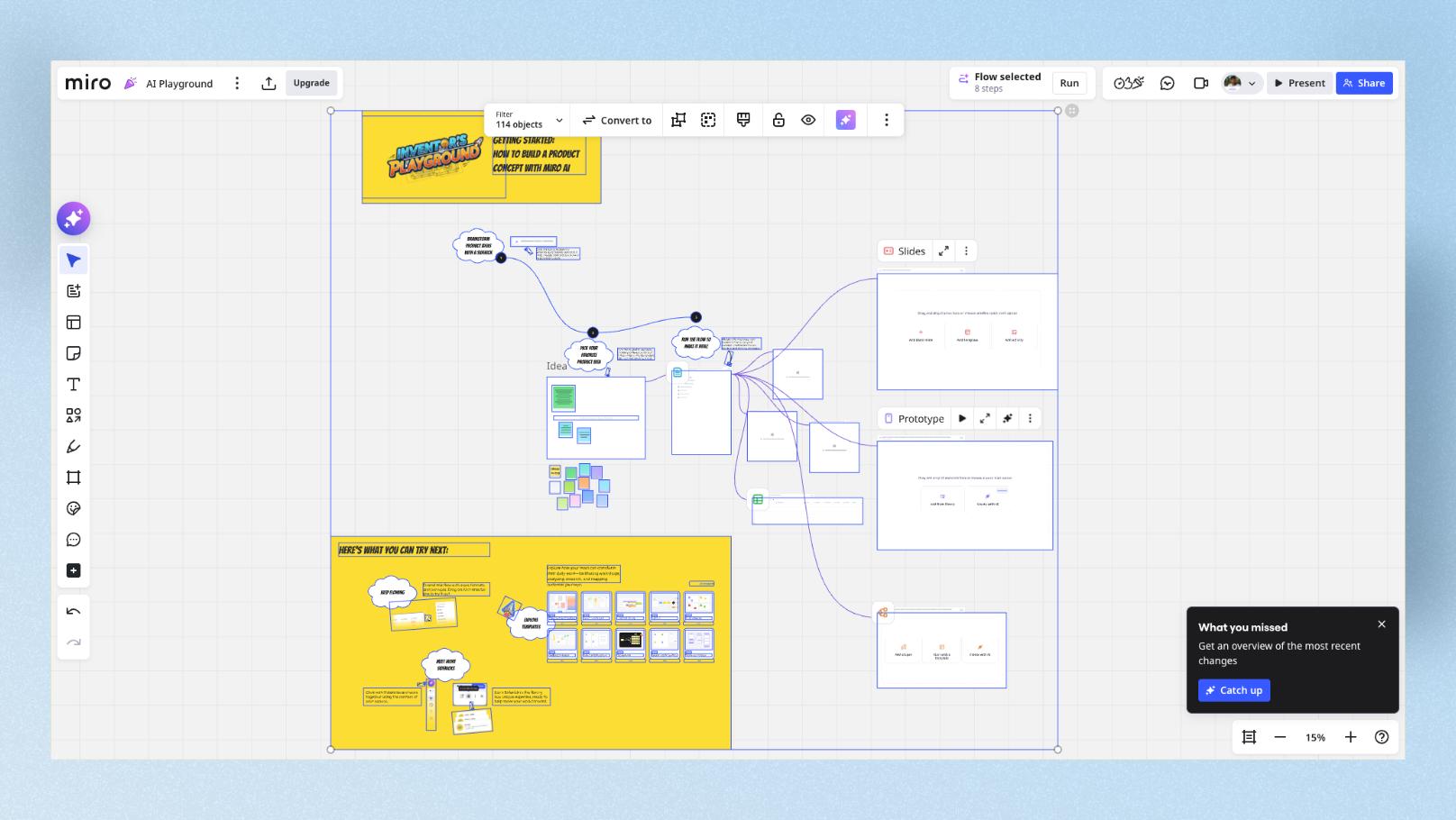
PM scenario: You're facilitating a discovery workshop with product, design, and engineering. You want to go from whiteboard ideas to something visual without switching tools mid-session.
Miro AI is unique because it generates prototypes from the sticky notes and flow diagrams your team already mapped in the same session. Ideation and prototyping live in the same board. For PMs who run regular discovery workshops, this eliminates the "now let me take these outputs and turn them into wireframes later" step that usually adds a week to the process.
For the Wandr prompt, Miro AI built a wireframe-quality flow directly on the canvas — lower fidelity than the other tools, but the collaborative context it sits in makes it genuinely more useful in a workshop setting.
PM Scorecard:
| Dimension | Score |
|---|---|
| Speed to stakeholder-ready | 6/10 |
| No-design-skill needed | 8/10 |
| Dev handoff quality | 4/10 |
| Pricing predictability | 8/10 |
Best for: PMs who facilitate workshops and want ideation → prototype in one session, one tool. Pricing: Starter plan from $8/month. Note: Miro AI prototyping requires Miro AI as a paid add-on.
5. Uizard — Best for PMs With Zero Design Background
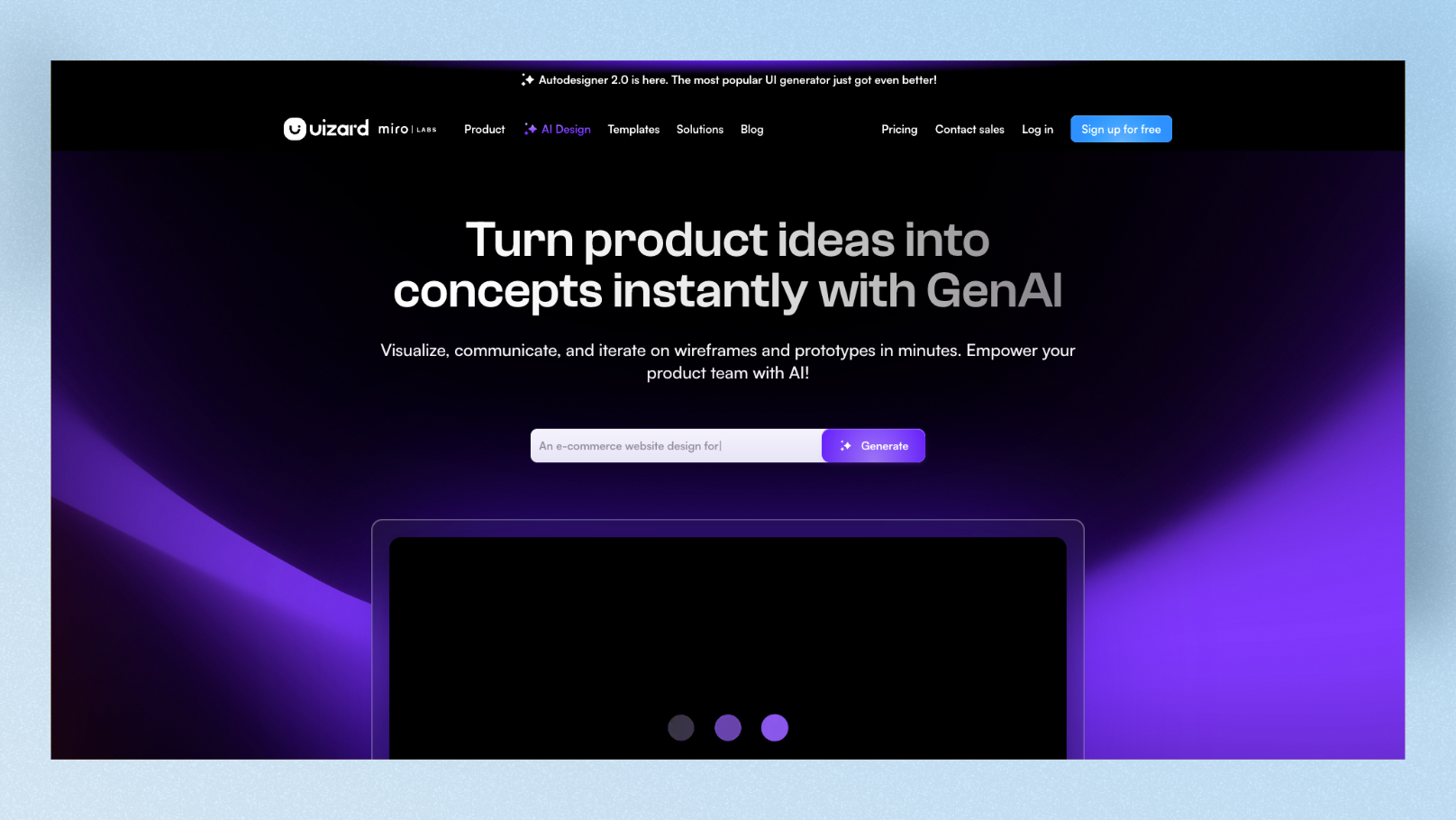
PM scenario: You have a hand-drawn sketch from a whiteboard session and you want to turn it into something digital — fast — with no design knowledge.
Uizard has a feature that no other tool on this list offers: the wireframe scanner. Photograph a hand-drawn sketch and Uizard converts it into a digital wireframe. For PMs who sketch during calls or on whiteboards, this alone makes it worth testing.
Beyond that, Uizard's Autodesigner 2.0 is built for conversational editing. "Make the hero image taller and add a subtitle" — it updates just that element without regenerating the whole screen. That kind of surgical edit is exactly what PMs need when stakeholders ask for small tweaks after a review.
Uizard was acquired by Miro in 2024, which has improved its collaboration features significantly. Real-time commenting and team editing are now solid.
PM Scorecard:
| Dimension | Score |
|---|---|
| Speed to stakeholder-ready | 8/10 |
| No-design-skill needed | 9/10 |
| Dev handoff quality | 5/10 |
| Pricing predictability | 9/10 |
Best for: PMs with zero design skills who regularly sketch ideas on paper or whiteboards and want a fast digital translation. Pricing: Free plan (very limited — 3 AI generations/month). Paid from $12/month annual
6. Visily — Best for Non-Design PMs Who Need Team Collaboration
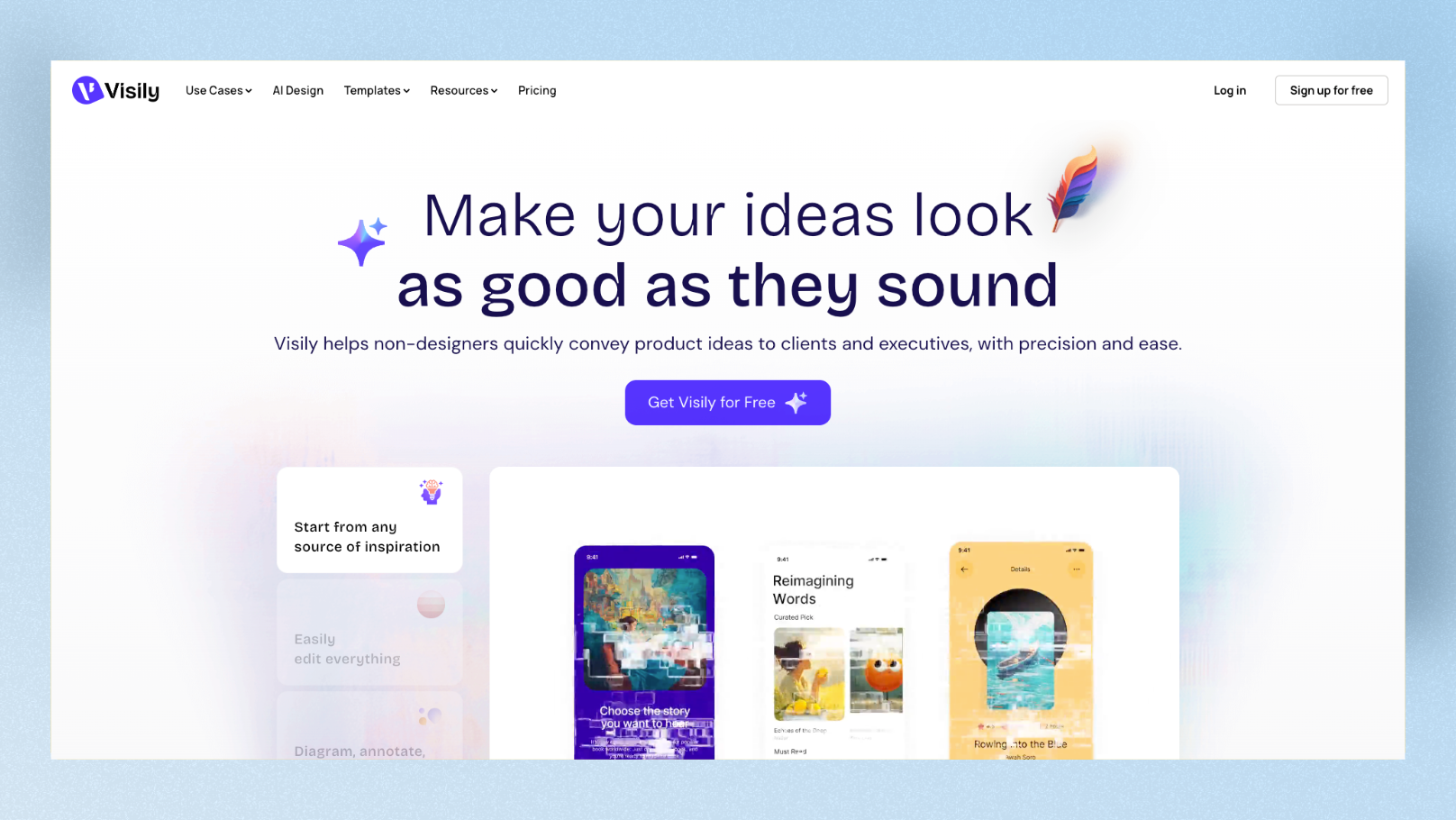
PM scenario: You manage a team where PMs, engineers, and business stakeholders all need to view and comment on the same prototype — but most of them don't have design tool accounts.
Visily has the most PM-friendly free plan on this list: 300 credits per month, no project cap, and free collaborative access. Anyone can view and comment without a paid seat. For the Wandr prompt, it generated a clean mid-fidelity mobile flow with correct structure and clear navigation.
The 1,500+ template library is useful for PMs who want a starting point rather than a blank canvas. Start with a travel app template, customize with AI, share the link. Fast, accessible, zero design training needed.
PM Scorecard:
| Dimension | Score |
|---|---|
| Speed to stakeholder-ready | 8/10 |
| No-design-skill needed | 9/10 |
| Dev handoff quality | 5/10 |
| Pricing predictability | 10/10 |
Best for: PMs who need the whole company — including non-designers — to view, comment, and align on prototypes without friction. Pricing: Free plan (300 credits/month). Pro from $11/month annual
7. Builder.io — Best for PMs Working With an Existing Product Codebase
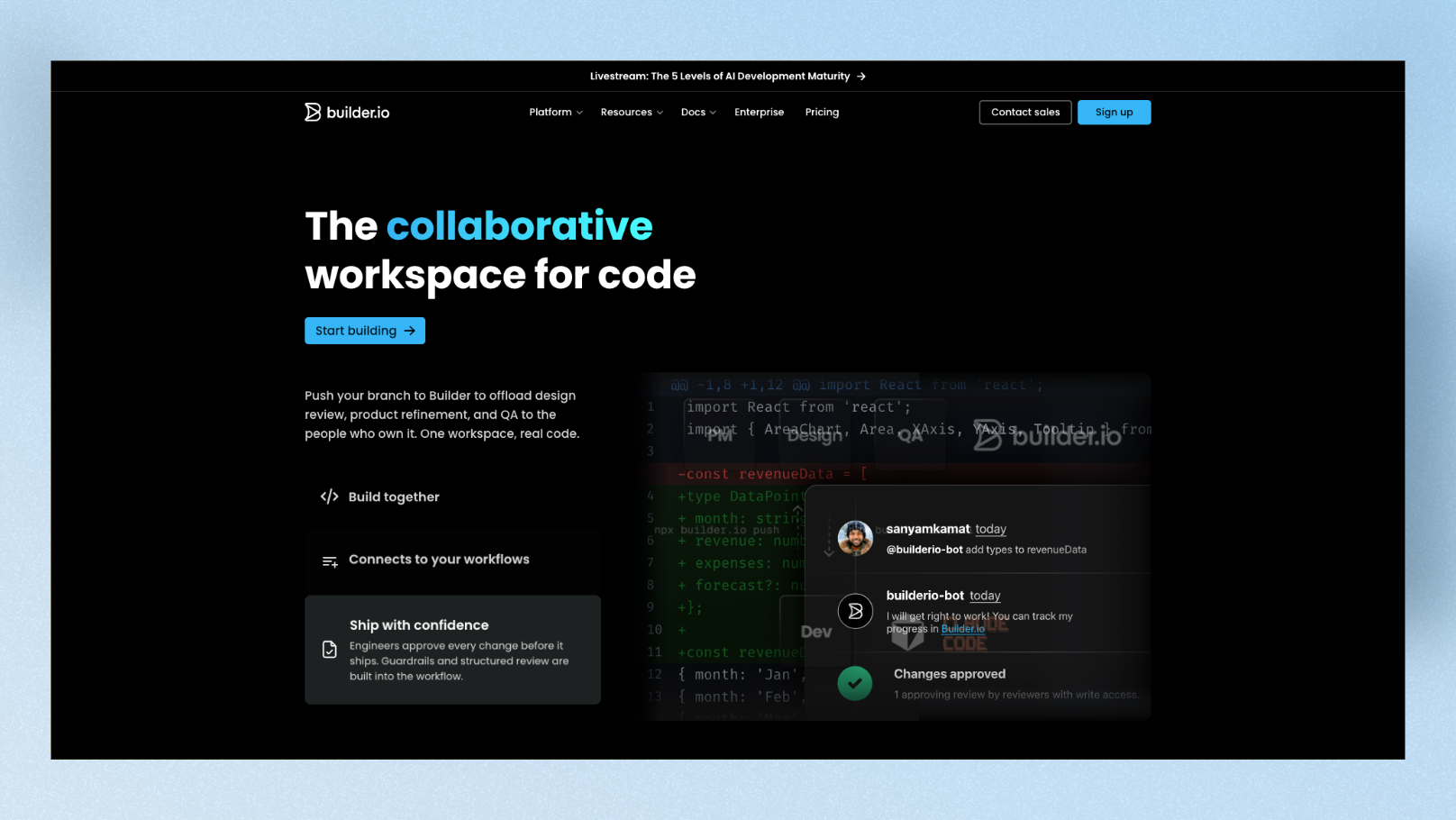
PM scenario: Your product already exists. You want to prototype a new feature change and preview it in the actual context of your live app — not a blank canvas.
Builder.io is different from every other tool on this list. Instead of generating UI on a canvas, it visually edits your code, uses your existing design system, and sends pull requests. The Plan mode shows engineering exactly what you're proposing before a single line of code changes. No rebuild tax. No translation layer.
For PMs at companies with established products, this is the most powerful option on the list — but it requires connecting a repo and having some engineering support to set up. It's not the right tool if you're starting from scratch.
PM Scorecard:
| Dimension | Score |
|---|---|
| Speed to stakeholder-ready | 7/10 |
| No-design-skill needed | 5/10 |
| Dev handoff quality | 10/10 |
| Pricing predictability | 7/10 |
Best for: PMs at companies with existing products who want to prototype changes in the real product context, not a separate tool. Pricing: Free plan available. Paid plans from custom pricing
8. Lovable — Best for High-Stakes Executive Demos
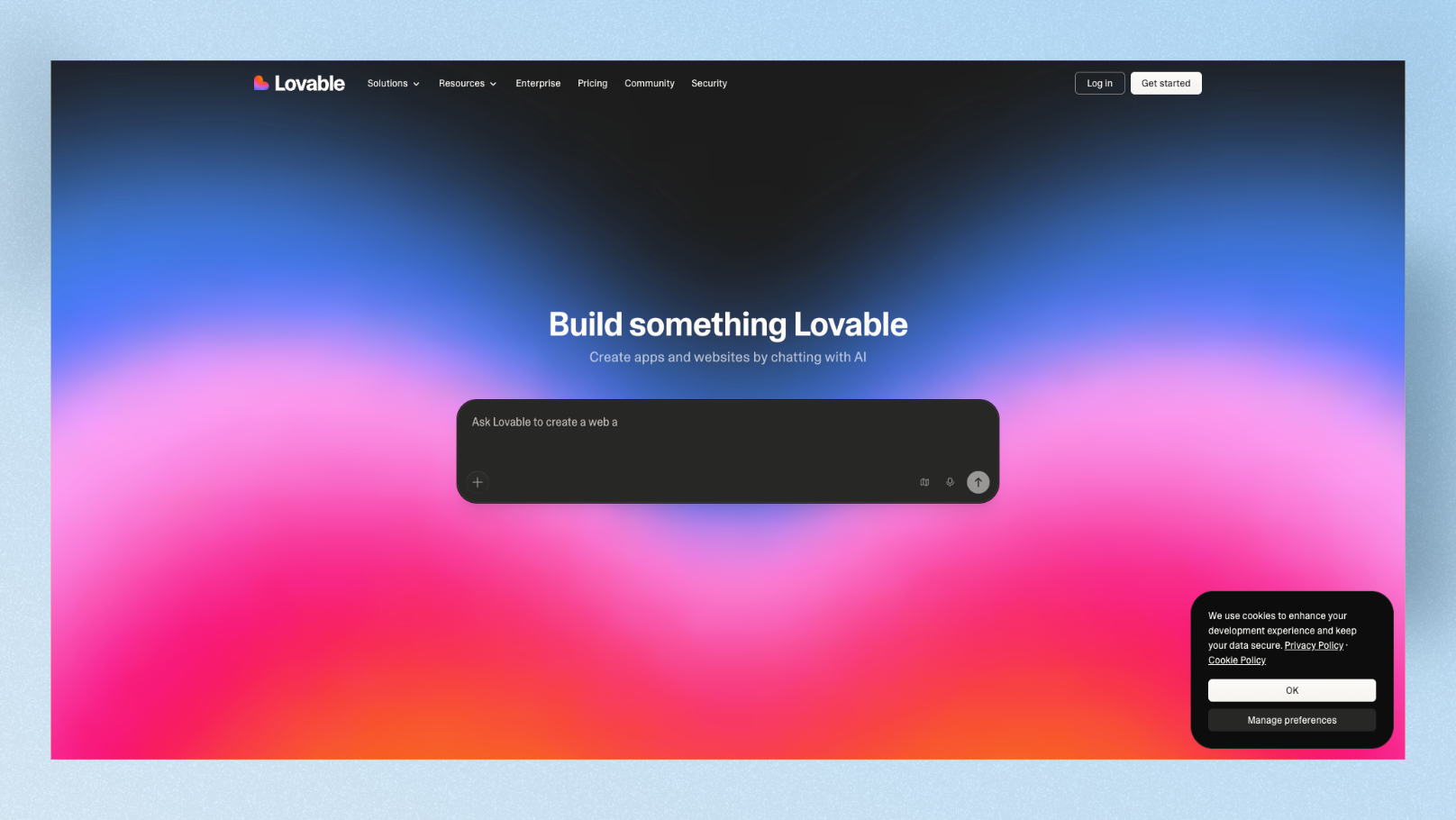
PM scenario: You have a board presentation in two days. You need a prototype that looks and feels like a real product — not a wireframe — so investors or executives can interact with it, not just look at it.
Lovable isn't a design tool in the traditional sense. It builds a full working web app from your prompt — frontend, backend, authentication, and all. You get a shareable URL that anyone can open and click through. For a PM who needs to show something real under pressure, this is the fastest path.
For the Wandr prompt, Lovable built a deployable three-screen onboarding flow with working navigation and teal accents in about 60 seconds. It looked like a real app, not a mockup. For high-stakes demos where you need to surface edge cases using real data, Lovable is worth every penny.
The caveat: it burns credits fast during iterations, and unpredictable credit consumption is the most common complaint from heavy users.
PM Scorecard:
| Dimension | Score |
|---|---|
| Speed to stakeholder-ready | 9/10 |
| No-design-skill needed | 8/10 |
| Dev handoff quality | 8/10 |
| Pricing predictability | 5/10 |
Best for: PMs who need a real, interactive demo — not a wireframe — for executive presentations or investor meetings. Pricing: Free (5 credits/day). Paid from $25/month — 100 credits
Full PM Scorecard Comparison
| Tool | Stakeholder Speed | No-Design Friendly | Dev Handoff | Pricing Predictability | Best PM Scenario |
|---|---|---|---|---|---|
| Google Stitch | 9/10 | 9/10 | 6/10 | 10/10 | Sprint planning ideation |
| UXPilot | 7/10 | 7/10 | 7/10 | 8/10 | User research flows |
| Figma Make | 8/10 | 6/10 | 9/10 | 7/10 | Figma-native team alignment |
| Miro AI | 6/10 | 8/10 | 4/10 | 8/10 | Discovery workshops |
| Uizard | 8/10 | 9/10 | 5/10 | 9/10 | Sketch-to-screen translation |
| Visily | 8/10 | 9/10 | 5/10 | 10/10 | Company-wide collaboration |
| Builder.io | 7/10 | 5/10 | 10/10 | 7/10 | Existing product prototyping |
| Lovable | 9/10 | 8/10 | 8/10 | 5/10 | Executive demos |
The PM Quick-Pick Decision Guide
- •"I need something in the next 20 minutes" → Google Stitch (free, instant, no setup)
- •"I have a hand-drawn sketch I want to go digital" → Uizard (wireframe scanner is unique)
- •"My whole company needs to view and comment" → Visily (free collaborative access)
- •"I'm running a usability test next week" → UXPilot (heatmaps + Figma handoff)
- •"My team already lives in Figma" → Figma Make (lowest friction, zero new tool)
- •"I'm facilitating a discovery workshop" → Miro AI (ideation + prototype in one board)
- •"I need to prototype in our actual product" → Builder.io (connects to real codebase)
- •"I have an executive demo in two days" → Lovable (looks like a real deployed app)
What MagicPath Does Better Than All of These
To be fair — MagicPath still has one thing most of these alternatives don't: variant generation on an infinite canvas. The ability to spin up 3–4 visual variants of the same screen side-by-side, compare them, and share a no-login link to the whole canvas is genuinely powerful for early-stage product decisions.
If that's your primary use case — exploring multiple directions before committing — MagicPath is hard to beat. The alternatives above are stronger for specific downstream PM tasks like research, dev handoff, or executive presentation.
The Gap None of These Fully Close for PMs
Here's something worth saying plainly: every tool on this list, including MagicPath, generates UI that still needs visual design thinking before it becomes a polished, on-brand prototype.
PMs who skip the visual design layer end up showing stakeholders something that looks like a generic AI template — not a product their company would actually ship. The fastest way to fix this is to define your visual direction first — especially for mobile apps. None of these tools generate polished mobile app screens out of the box. Floow is built specifically for mobile app UI design — generate mobile-first screens with AI, refine them visually, and hand off to engineering or feed into any prototyping tool. For PMs building mobile apps, it's the missing layer between your idea and a professional-looking prototype.
FAQ: MagicPath Alternatives for Product Managers
Can a product manager use MagicPath or these alternatives without any design skills?
Yes, most of them are built specifically for non-designers. Google Stitch, Visily, and Uizard consistently rank as the most accessible for people without a design background. Uizard's wireframe scanner — which turns a hand-drawn sketch into a digital wireframe — is especially useful for PMs who think visually but don't use design tools. MagicPath itself has a short learning curve due to the infinite canvas interface, but prompt-based generation means you can get results without knowing design principles.
Which MagicPath alternative is best for sharing prototypes with stakeholders who aren't technical?
Lovable creates shareable URLs that open as real, interactive web apps — no login, no design tool account, no explanation needed. Stakeholders just click a link and use it. MagicPath also supports no-login sharing. For simple, lower-fidelity flows, Visily and Uizard both generate shareable prototype links that work in any browser.
What's the best free MagicPath alternative for product managers in 2026?
Google Stitch offers 350 free generations per month with no paid plan required during its Labs phase. For teams, Visily's free plan gives 300 credits per month with no project cap and free collaborative access for all team members. Both are strong starting points before committing to a paid tool.
How do these tools fit into a typical PM sprint workflow?
Over 58% of PMs now use AI prototyping or no-code tools in their weekly workflow. The most common integration points are: before sprint planning (to show the team what a proposed feature looks like), during stakeholder reviews (to share an interactive link instead of a static doc), and before development kicks off (to give engineering a visual spec instead of a text PRD). A working prototype collapses alignment conversations from weeks of back-and-forth to a single session.
Should PMs use MagicPath for dev handoff to engineering?
MagicPath does export React and front-end code, but real users report that invisible updates — where the tool claims to apply changes but they don't appear — require refreshing or closing the project, which disrupts workflow continuity. For clean dev handoff, Builder.io sends actual pull requests to your codebase and uses your existing design system. For Figma-based teams, Figma Make exports structured layers that engineers can access directly via Dev Mode.
Pricing checked March 2026. Always verify current plans on each tool's official website before subscribing.
Design your mobile app with AI.
Generate pixel-perfect iOS and Android screens in seconds, then export to Figma or code.
You might also like…
 Comparisons28 March 2026Top 9 Magic Patterns Alternatives for Product Designers in 2026I tested 9 Magic Patterns alternatives with the same prompt and ranked each by use case. Covers Google Stitch, UXPilot, Visily, Uizard, Figma Make, Vercel v0, Motiff, Flowstep, and Framer AI.By floow.design, Editorial
 Insights24 September 2026How Much Does an AI App Design Tool Cost?Compare AI app design subscriptions, credits, seat limits and export costs so you can budget a prototype without paying for unusable output.By floow.design Team, Mobile Design
 Insights24 September 2026Free AI tool for UI design: Free tier limitsSee where free AI UI design plans stop: screen caps, export limits, paid gates, reset rules, and the upgrade prompts that matter.By floow.design Team, Mobile Design