
Splash screen design for Pakistani mobile apps
Design a fast Android-first splash screen for Pakistani apps: bilingual Urdu-English lockups, offline launch assets and clear startup handoff.

A splash screen for a Pakistani mobile app should bridge startup, not hold users behind a logo animation. Design Android-first, bundle the launch artwork locally for variable data conditions, and test Urdu right-to-left lockups beside Latin product names. Keep the screen visible only until the first useful app view is ready.
Key takeaways
- •Treat the launch screen as a short startup state, then move immediately to usable content or a clear loading state.
- •Prioritise Android behaviour and system splash-screen conventions because Android dominates Pakistan’s mobile OS usage in Statcounter’s Pakistan data.
- •Export English, Urdu and bilingual brand-lockup variants; test the Urdu right-to-left script with Latin product names rather than simply mirroring the whole layout.
- •Bundle logos, colours and essential launch artwork inside the app. Do not make the first screen wait for a network download under Pakistan’s variable mobile-data conditions.
- •Use floow.design to create lightweight Android launch-screen variants with English, Urdu or bilingual brand treatments.
What's on this page
- •Design the app launch screen as a startup bridge
- •Build bilingual brand lockups that read correctly
- •Avoid network-dependent assets during startup
- •Validate launch states before release
Design the app launch screen as a startup bridge
A splash screen is successful when it covers only real startup work: process creation, local session lookup, theme loading and preparation of the first usable route. It is not a place for a long logo reveal. For Pakistani consumer patterns, inspect how familiar categories set expectations: Daraz Pakistan needs to get shoppers toward home or account state, JazzCash toward a trusted balance or sign-in path, and Foodpanda Pakistan toward location-aware ordering. The launch image should establish recognition while that handoff happens.
For Android-first distribution in Pakistan, start with the Android system splash-screen model: a background colour, app icon and concise transition into the first activity. Statcounter’s Pakistan mobile-OS data consistently identifies Android as the dominant mobile platform, so validate this path before adding platform-specific embellishment. Android’s official guidance also recommends keeping startup work short and letting the system handle the initial splash experience (Android Developers).
In floow.design, generate a plain colour-field variant, an icon-centred variant and a wordmark variant. Test each on entry from a cold start, a warm start, an expired session and no connection. The best option is the one that reaches useful content promptly, not the one with the most animation.
Build bilingual brand lockups that read correctly
Pakistani apps often need English, Urdu or bilingual mobile app branding at launch. Do not assume that an English lockup can be translated by placing Urdu characters on its left. Urdu is right-to-left, while product names, URLs and established Latin brand names may remain left-to-right. This mixed-direction treatment needs its own composition and visual review.
Create at least three assets: English-only, Urdu-only where the brand supports it, and bilingual. In the bilingual version, decide the reading order deliberately. Keep the Urdu line right-aligned, give it enough vertical space for its calligraphic forms, and avoid squeezing it into the width set for a Latin wordmark. If a Latin product name appears within an Urdu line, test it on actual Android devices for order, punctuation and baseline behaviour. Never rely on automatic mirroring to solve bidirectional typography.
A practical route is to keep the app icon centred and place one lockup below it, rather than mixing Urdu and English into several competing positions. Check the result at small screen sizes and with Android font scaling. Ask reviewers who read Urdu daily to assess the final rendered screen, not just the design-file preview. floow.design can produce comparable English, Urdu and bilingual launch-screen variants for this review.
Avoid network-dependent assets during startup
An Android splash screen should not fetch a logo, campaign image, remote font or configuration before it can render. Pakistan Telecommunication Authority connectivity reporting covers a mobile environment where users can encounter slower or variable data conditions; a launch screen that depends on a request turns that variation into a blank wait (Pakistan Telecommunication Authority). Bundle the background, icon, wordmark and required type resources with the application package.
After the first screen is visible, request remote data in parallel and show an honest in-app state if it is not ready: cached home content, a skeleton for a feed, a sign-in choice, or a retry message. Do not keep the static brand screen on display while waiting for an API response. Users cannot tell whether the app is loading, frozen or blocked.
Keep the initial visual inexpensive: a solid or subtle gradient background, a vector or appropriately sized raster icon, and no autoplay video. Defer analytics calls, personalised recommendations and non-essential SDK initialisation where technically appropriate. Measure cold-start time on lower-spec Android devices and constrained connections, then compare it with the time at which the first actionable control becomes available. That measurement should decide whether your startup work belongs before or after the launch screen.
Validate launch states before release
Test the same app launch screen across conditions that expose real startup failures. Begin with a freshly installed app, then repeat after the app has been backgrounded, after its process has been killed and after a user has signed out. Verify that the brand treatment does not linger while authentication, location permission or remote content is unresolved.
For a marketplace-style route such as Daraz Pakistan, a cached home shell can be more useful than holding a logo until recommendations arrive. For a finance journey such as JazzCash, move from the branded launch state to a clear sign-in or security check rather than implying that account data is already available. For an ordering flow such as Foodpanda Pakistan, show a purposeful location or address state if that information is needed before presenting restaurants.
Record a short device video for each scenario. Look for a flash between the system splash screen and your first screen, a duplicated logo, incorrect Urdu direction, and late colour-theme changes. Keep the transition visually continuous by matching the launch background to the initial app surface. Use floow.design to create lightweight Android variants, then hand the selected asset and state rules to engineering alongside exact background, icon and bilingual-lockup specifications.
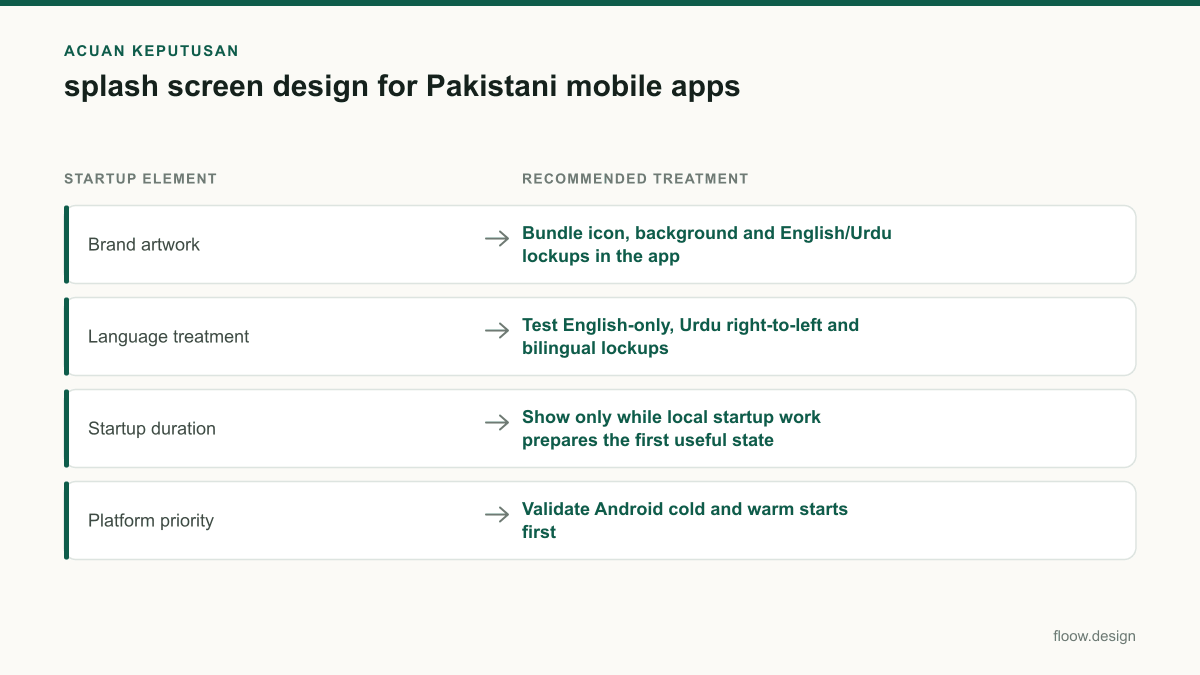
Launch-screen decisions for Pakistani Android-first apps
| Startup element | Recommended treatment | Reason |
|---|---|---|
| Brand artwork | Bundle icon, background and English/Urdu lockups in the app | The launch view remains available without waiting for mobile data. |
| Language treatment | Test English-only, Urdu right-to-left and bilingual lockups | Latin product names and Urdu script need intentional mixed-direction layout. |
| Startup duration | Show only while local startup work prepares the first useful state | A static logo should not mask API, location or content delays. |
| Platform priority | Validate Android cold and warm starts first | Android is the dominant mobile OS in Statcounter’s Pakistan data. |
Common mistakes
Using a logo animation as a fixed-duration intro.
Remove the timer. Transition as soon as the first useful app state is ready, and keep any motion brief enough not to delay it.
Downloading a campaign banner or remote wordmark before rendering.
Package essential launch assets locally. Fetch promotional and personalised content after the app has displayed a usable state.
Mirroring an English composition for Urdu without review.
Create a separate Urdu and bilingual layout, then check right-to-left ordering, punctuation, alignment and Latin-name handling on Android devices.
Leaving the brand screen visible while login or API calls fail.
Move to an explicit in-app loading, cached-content, sign-in or retry state so users understand what the app needs next.
Frequently asked questions
How long should a splash screen stay visible?
A splash screen should stay visible only for the time needed to initialise the app and prepare the first useful interface. Do not impose a minimum display time for a logo animation. If remote content, sign-in or location data is still pending, transition to an in-app loading, cached-content or action state instead of extending the splash screen.
Should a Pakistani app splash screen include Urdu?
A Pakistani app splash screen should include Urdu when Urdu is part of the product’s intended brand or audience communication, but it should not be added as decoration. Test Urdu as a right-to-left lockup alongside any Latin product name, with separate English, Urdu and bilingual variants. Validate the rendered result with Urdu-reading reviewers on Android devices.
What is the difference between a splash screen and an onboarding screen?
A splash screen is a brief startup view shown while the app prepares its first usable state, usually with a background colour and app icon or lockup. An onboarding screen is a deliberate product flow that explains value, requests permissions or collects setup choices. Onboarding can take several steps; a splash screen should not delay access for explanation.
How can I make an Android splash screen feel faster?
Make an Android splash screen feel faster by matching its background to the first app screen, using locally bundled artwork, avoiding network requests before first render and moving quickly to actionable content. Use Android’s system splash-screen approach, minimise startup work, and show a clear in-app loading or retry state rather than holding a static logo during API delays.
Where this leaves you
A strong Pakistani launch experience is brief, locally available and legible in the language treatment your brand needs. Build the splash screen around real startup work, test Android states first, and let the first useful screen take over as soon as it is ready. Use floow.design to produce lightweight Android launch-screen variants with your English, Urdu or bilingual brand treatment.
Design the screens first
Describe the app in plain language and floow.design draws the iOS and Android screens for you, ready to refine and hand off.
Sources
Related reading
Design your mobile app with AI.
Generate pixel-perfect iOS and Android screens in seconds, then export to Figma or code.
You might also like…
 How-to21 September 2026Login screen design for Pakistani appsDesign a trusted Pakistani mobile login UI with +92 and 03xx handling, resilient SMS OTP states, privacy controls and finance-ready security paths.By floow.design Team, Mobile Design
 How-to21 September 2026Form design for Pakistani payment appsBuild mobile payment forms for Pakistan with CNIC masks, +92 and 03xx phone handling, PKR amounts, and Raast, JazzCash, and Easypaisa choices.By floow.design Team, Mobile Design
 How-to20 September 2026Wireframe a Pakistani mobile payment flowLearn how to wireframe Pakistani transfer, cash-out and bill-payment screens with Raast IDs, wallet choices, error states and local user personas.By floow.design Team, Mobile Design