
digital pakistan: public-service app UX lessons
A case study of public-service mobile UX in Pakistan: CNIC-aware flows, Urdu choices, clear eligibility checks, and low-friction completion on mobile.

digital pakistan calls for public-service apps that explain one task before requesting identity details. Since NADRA provides Pakistan’s national identity and civil-registration services, CNIC-related screens need a stated purpose, reviewable fields, and recoverable errors. Urdu and English choices, short forms, and clear status updates help people complete services on mobile.
Key takeaways
- •Design around a single public-service outcome, not an agency’s internal process.
- •Treat CNIC data as sensitive task input: ask only when needed, explain why, and let people review it.
- •Offer Urdu and English from the start of the journey, including errors, consent, and status messages.
- •Use design thinking to test eligibility, identity, and submission flows with people who have different levels of digital confidence.
What's on this page
- •The public-service context behind digital pakistan
- •CNIC-aware identity flows without unnecessary friction
- •Bilingual task flows and ownership that users can understand
- •A practical public-service mobile flow to prototype
The public-service context behind digital pakistan
Digital Pakistan was launched as a national policy initiative in 2018. For mobile teams, that context matters less as a branding device than as a design constraint: a public-service screen must work for people trying to finish a consequential task, often without knowing the responsible department, required evidence, or next step. The service should therefore open with a plain-language purpose, eligibility check, expected inputs, and an honest indication of what happens after submission.
Start with the job a resident is trying to complete: register, verify, apply, renew, report, or track. Then map the smallest path to that outcome. Do not expose departmental terminology as navigation labels. A label such as Check application status is more useful than an internal programme name.
Use design thinking research to identify where users stop: uncertainty over eligibility, an unfamiliar document request, a mismatch in personal details, or a missing confirmation. Prototype those moments first. The Ministry of IT and Telecommunication presents Digital Pakistan as a national initiative; use its policy context to justify better access, not to add ceremonial screens. Ministry of IT and Telecommunication
CNIC-aware identity flows without unnecessary friction
NADRA provides national identity and civil-registration services in Pakistan, so CNIC is familiar to many users as an identity reference. Familiarity does not make a CNIC field self-explanatory. In public-service ux design, request it only at the point where identity matching or eligibility genuinely requires it, and state the reason immediately above the field: for example, “We use your CNIC to find your existing application.”
Keep the identity step narrow. Use the expected CNIC format in the input hint, validate formatting without blaming the user, and preserve entered information when a network interruption or mismatch occurs. Before submission, show a review screen that distinguishes user-entered data from data returned by a service. If details cannot be matched, explain the next practical route rather than ending with a generic failure.
Do not make people retype the same personal details after an identity check unless the service needs confirmation. Equally, do not prefill a field without showing its source and giving the person a chance to correct it. These choices create an auditable, understandable interaction without turning identity collection into a long form. NADRA
Bilingual task flows and ownership that users can understand
Government services should provide Urdu alongside English when the audience includes the general public. The language choice must cover the full task flow: instructions, form labels, consent text, validation, receipts, support routes, and status updates. Translating only the landing screen leaves the highest-risk moments inaccessible.
Place language selection early, retain it across sessions where possible, and allow people to switch without losing form progress. Write Urdu and English as interface copy, not as literal documents: keep sentences short, define abbreviations, and avoid mixing administrative English into Urdu labels when a clear equivalent is available. Test whether users can interpret dates, attachment rules, and error messages in both languages.
The National Information Technology Board is a federal Pakistani IT organization. For teams working across departments, that makes shared mobile patterns valuable: a consistent confirmation screen, status timeline, bilingual error style, and support handoff can reduce relearning between services. Establish a reusable component set, but validate each service’s eligibility and identity rules separately. National Information Technology Board
A practical public-service mobile flow to prototype
Prototype the journey as five focused screens rather than one long application: service overview, eligibility, identity, details and evidence, and receipt plus tracking. The overview should answer what the service does, who can use it, what to prepare, and whether there is a cost or decision time only when those details are confirmed by the service owner. The eligibility screen should prevent an avoidable form start.
On the identity screen, explain the CNIC request in one sentence and separate validation from submission. On the details screen, group related questions, save progress when the product can support it, and show attachment requirements before the camera or file picker opens. End with a receipt that includes a reference number, submitted details, expected next action, and a visible route to track or correct the request.
Use moderated mobile tests to measure task completion, comprehension of the CNIC purpose, error recovery, and language switching. Then use floow.design to explore simpler, bilingual public-service task flows before committing the screens to engineering.
Pakistan public-service mobile design checkpoints
| Service moment | Pakistan-specific design requirement | Screen-level response |
|---|---|---|
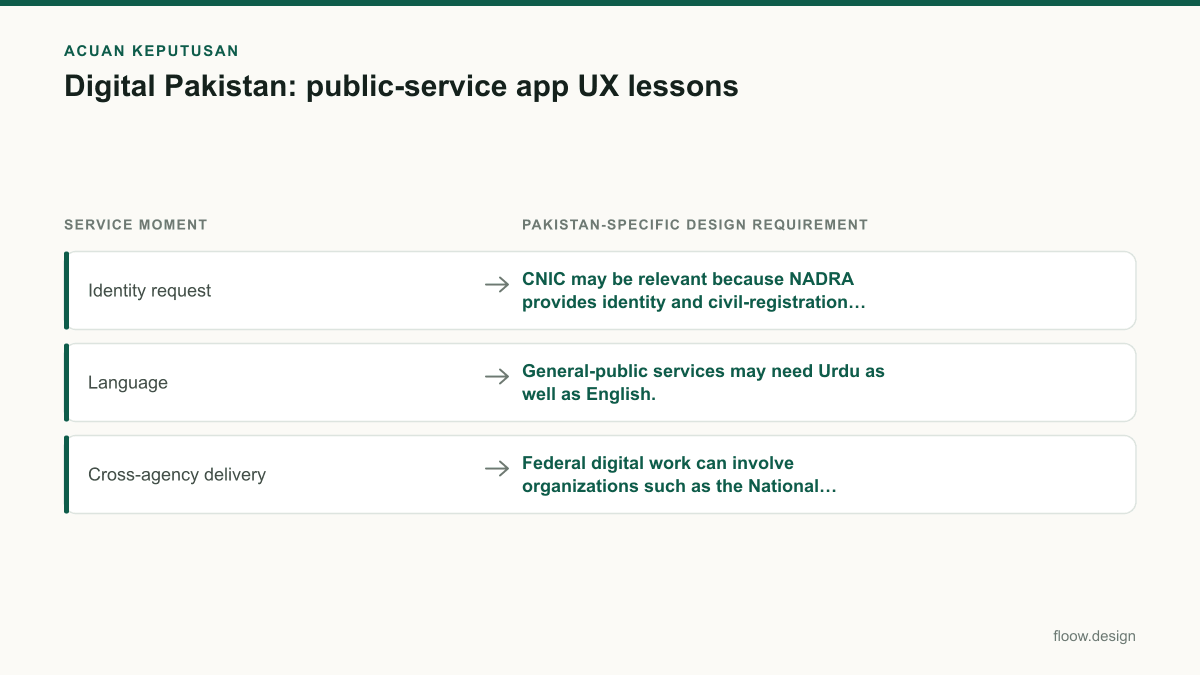
| Identity request | CNIC may be relevant because NADRA provides identity and civil-registration services. | Explain the purpose, show an input example, validate gently, and provide a review step. |
| Language | General-public services may need Urdu as well as English. | Translate instructions, errors, receipts, and support—not only navigation. |
| Cross-agency delivery | Federal digital work can involve organizations such as the National Information Technology Board. | Reuse familiar status, confirmation, and support patterns while checking service-specific rules. |
Common mistakes
Starting with a CNIC field before explaining the service or why identity is needed.
Lead with the task and eligibility, then request CNIC at the precise point it supports matching or verification.
Treating Urdu as a marketing translation limited to the first screen.
Design and test Urdu for validation, consent, status tracking, receipts, and support messages.
Showing a generic submission success state with no usable follow-up.
Provide a reference number, submitted-data summary, next action, and a clear tracking or correction route.
Reproducing an internal departmental workflow in the app.
Organize screens around the resident’s outcome and hide internal ownership unless it helps the person get support.
Frequently asked questions
What does Digital Pakistan mean for app design?
Digital Pakistan means public-service app design should prioritize understandable mobile completion: clear eligibility, minimal data entry, transparent identity requests, bilingual content where needed, and a usable status trail after submission. Since Digital Pakistan was launched as a national policy initiative in 2018, teams should focus on whether residents can complete real services rather than merely digitizing departmental forms.
How should public-service apps use CNIC data?
Public-service apps should request CNIC data only when a specific task requires identity matching, eligibility checking, or retrieval of an existing record. Because NADRA provides national identity and civil-registration services in Pakistan, the app should state why CNIC is needed, validate input clearly, preserve progress after errors, and let users review relevant details before submission.
Should government apps provide Urdu?
Government apps serving the general public should provide Urdu alongside English when their users may need it. Urdu support should include instructions, field labels, consent, errors, receipts, application status, and support options. A language switch should be available early and should not erase completed form information when a user changes language.
How can teams test a Pakistani public-service app before launch?
Teams can test a Pakistani public-service app with task-based mobile sessions covering eligibility, CNIC entry, document upload, Urdu and English comprehension, network interruption, and status tracking. Observe whether participants understand why data is requested, can recover from an error, and know what happens after submission. Test the smallest end-to-end flow before expanding features.
Where this leaves you
The strongest lesson from digital pakistan is not to make public services look more technical. It is to make each mobile task easier to understand, safer to complete, and easier to recover when something goes wrong. Use floow.design to explore simpler bilingual public-service flows, then test the CNIC, language, and confirmation moments with real users.
Design the screens first
Describe the app in plain language and floow.design draws the iOS and Android screens for you, ready to refine and hand off.
Sources
- •Ministry of IT and Telecommunication, Government of Pakistan
- •National Database and Registration Authority (NADRA)
- •National Information Technology Board
Related reading
Design your mobile app with AI.
Generate pixel-perfect iOS and Android screens in seconds, then export to Figma or code.
You might also like…
 How-to20 September 2026User persona for Pakistan mobile app researchBuild a user persona for Pakistan mobile apps with practical fields for language, city, device and Easypaisa, JazzCash or bank/Raast payment access.By floow.design Team, Mobile Design
 How-to20 September 2026what is ui ux for Pakistani mobile appsLearn what is ui ux for Pakistani mobile apps through wallet and delivery flows, with practical guidance on Raast, language, and error states.By floow.design Team, Mobile Design
 Insights20 September 2026What is ux and ui in a Raast payment flow?A Pakistan Raast payment case study showing where UX journey decisions end and user interface design begins on payment, confirmation, and receipt screens.By floow.design Team, Mobile Design