
Raast payment: mobile app UI checklist
A practical checklist for Raast transfer and merchant-payment screens, Raast ID handling, review states, receipts, and recoverable errors in Pakistan.

A safe raast payment flow needs recipient selection, Raast ID validation, a clear PKR review screen, confirmation, receipt, and actionable failure states. Raast is Pakistan’s instant-payment system under the State Bank of Pakistan, and users can pay through a Raast ID, including a registered mobile number or CNIC-linked identifier.
Key takeaways
- •Show the recipient name and masked Raast ID before a user enters or confirms a PKR amount.
- •Separate an unsuccessful submission from an uncertain transfer status; never tell users to retry while the transaction outcome is unknown.
- •Design receipts as shareable evidence with amount, recipient, timestamp, reference number, and final status.
- •Prototype recipient selection, transfer review, and receipt states with floow.design before connecting live payment rails.
What's on this page
- •1. Start with the Raast transfer entry screen
- •2. Make recipient resolution visible and hard to misread
- •3. Build the review screen as the last safe stop
- •4. Design outcomes for success, failure, and uncertainty
1. Start with the Raast transfer entry screen
Treat the first screen as a decision point, not just an amount form. Offer clear paths such as Pay by Raast ID, Pay a saved recipient, and, where the product supports it, Scan merchant QR. A Raast ID can be a registered mobile number or a CNIC-linked identifier, so label the input field by the identifier users recognise rather than using an unexplained account-number pattern.
Use a format-aware field: select the identifier type when necessary, apply the expected digit rules, and explain errors beside the field. Do not imply that formatting alone proves a recipient exists. After submission, resolve the identifier and show the returned recipient name before the amount is confirmed.
Raast is Pakistan’s instant-payment system under the State Bank of Pakistan, so the flow should make immediacy visible without promising success before a final response. Keep the primary action specific: Continue to review is safer than Send now at this stage. For system context, cite the State Bank of Pakistan’s official Raast information at sbp.org.pk.
2. Make recipient resolution visible and hard to misread
The recipient-resolution screen is the main defence against a misdirected raast payment. Put the verified recipient name first, then the identifier type and a masked value beneath it. For example, show Mobile Raast ID · 03XX XXX 1234 or CNIC-linked Raast ID · •••••-•••••••-3. Do not expose more identifier digits than the task requires in saved-recipient lists, notifications, or shared receipts.
If the entered ID has no match, say that it could not be found and keep the entered value available for correction. If the directory response is delayed, use a loading state that prevents the user from proceeding rather than showing a blank name. If a recipient name changes after a refresh, require the user to review it again.
1LINK operates the Raast scheme. In the UI, however, avoid making 1LINK branding look like the user’s bank or wallet unless the product’s approved integration guidance requires it. Keep scheme acknowledgement secondary to the payment decision. Confirm implementation terminology with 1LINK and the participating institution’s payment team.
3. Build the review screen as the last safe stop
A transfer review screen should present the decision in one vertical reading order: recipient name, masked Raast ID, PKR amount, source account or wallet, fee information if any, note or purpose, and the final action. Do not hide a fee behind an information icon when it changes the amount a user will pay. If no fee applies, state that only when the connected payment service can confirm it.
Use Confirm payment only after the screen shows the full recipient and amount. Require the product’s normal authentication step, such as the institution’s approved PIN or biometric confirmation, after review rather than before recipient resolution. Prevent double submission by disabling the confirmation control as soon as the request starts and replacing it with a visible processing state.
For merchant payments, repeat the merchant name, amount, and merchant reference on review. A QR scan must not skip this screen merely because the QR payload supplied the details. Build a clickable prototype that tests changed amounts, recipient mismatches, cancelled authentication, and a user returning to edit details. Prototype recipient selection, transfer review, and receipt states with floow.design.
4. Design outcomes for success, failure, and uncertainty
Do not collapse every non-success response into Payment failed. The UI needs at least three distinct outcomes. Successful means the transfer is complete and the receipt can be shown. Failed means the institution has confirmed that the transfer was not completed; explain whether the user can correct details or try again. Pending or status unknown means the app has not received a final outcome, so the user must not retry yet.
On a pending state, show the payment reference, the submitted PKR amount, recipient name, submission time, and a clear next action such as Check status. Tell users that a repeat payment could create a duplicate transfer. Preserve this state if the app is closed and surface it in activity history until resolved.
The completed receipt should include final status, recipient, masked Raast ID, amount, source, date and time, and a reference number. Offer copy and share controls only after checking that the shared view masks sensitive data. Error copy should name the recovery path: edit the ID, use another source account, wait for status confirmation, or contact the institution with the reference number.
Raast-specific UI reference for recipient and status screens
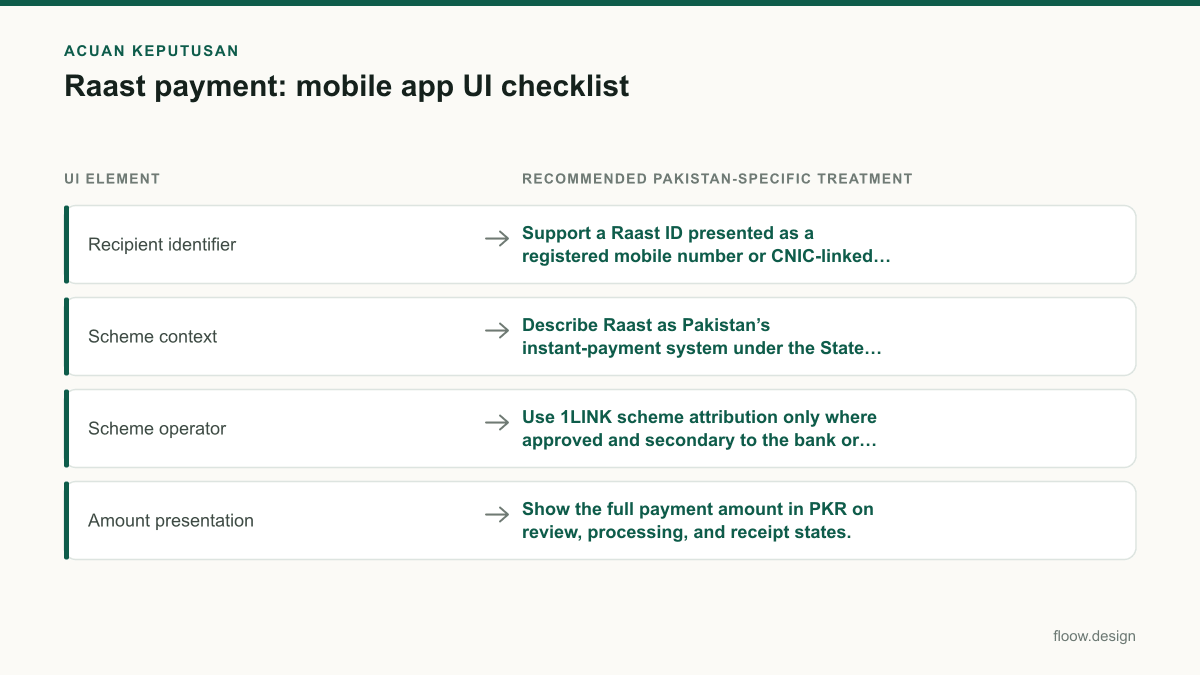
| UI element | Recommended Pakistan-specific treatment |
|---|---|
| Recipient identifier | Support a Raast ID presented as a registered mobile number or CNIC-linked identifier. |
| Scheme context | Describe Raast as Pakistan’s instant-payment system under the State Bank of Pakistan. |
| Scheme operator | Use 1LINK scheme attribution only where approved and secondary to the bank or wallet brand. |
| Amount presentation | Show the full payment amount in PKR on review, processing, and receipt states. |
| Receipt evidence | Include recipient, masked Raast ID, PKR amount, timestamp, final status, and reference number. |
Common mistakes
Showing only the typed mobile number or CNIC-linked identifier before confirmation.
Resolve and show the recipient name plus a masked Raast ID before the user can confirm the PKR amount.
Using the same red error screen for a confirmed failure and a timeout.
Use separate failed and pending/status-unknown states. A pending payment needs a reference number and an instruction not to retry.
Letting a merchant QR go directly from scan to payment submission.
Always show a review screen with merchant name, amount, reference, source, and final confirmation.
Calling a payment successful when the request has only been submitted.
Reserve the success receipt for a confirmed final status; show processing or pending while the outcome is unresolved.
Frequently asked questions
What screens does a Raast payment app need?
A Raast payment app needs an entry screen, Raast ID input or saved-recipient selection, recipient-resolution screen, amount entry, transfer review, authentication, processing, success receipt, failed-payment state, and pending or status-unknown state. Merchant flows also need QR scan or merchant selection and a review screen that repeats the merchant name, PKR amount, and reference.
How should a Raast ID be displayed?
Display a Raast ID with its identifier type and a masked value, alongside the resolved recipient name before confirmation. For example, label a registered mobile number as “Mobile Raast ID” and a CNIC-linked value as “CNIC-linked Raast ID”. Mask identifiers in lists, notifications, and receipts while retaining enough digits for users to recognise the recipient.
What happens when a Raast transfer fails?
When a Raast transfer fails, the app should show that the transfer was not completed, retain the recipient and PKR amount, and explain the next safe action, such as correcting the Raast ID or choosing another source account. If the final status is unknown rather than failed, show a pending state with a reference number and tell users not to retry yet.
How can a team test a Raast payment flow before integration?
A team can test a Raast payment flow by prototyping recipient lookup, a verified-name result, PKR amount review, authentication cancellation, processing delays, successful receipts, confirmed failures, and pending outcomes. Test whether users notice a changed recipient or amount and whether they understand that a pending payment must be checked rather than submitted again.
Where this leaves you
A trustworthy Raast flow does not depend on a single confirmation button. It gives users a verified recipient, a readable PKR review, an unambiguous final status, and evidence they can retrieve later. Build and test those states before live integration; use floow.design to prototype the recipient selection, transfer review, and receipt journey.
Design the screens first
Describe the app in plain language and floow.design draws the iOS and Android screens for you, ready to refine and hand off.
Sources
Related reading
Design your mobile app with AI.
Generate pixel-perfect iOS and Android screens in seconds, then export to Figma or code.
You might also like…
 Insights20 September 2026What is ux and ui in a Raast payment flow?A Pakistan Raast payment case study showing where UX journey decisions end and user interface design begins on payment, confirmation, and receipt screens.By floow.design Team, Mobile Design
 How-to20 September 2026mobile app development: Pakistan design handoffA Pakistan mobile UI handoff checklist for PKR, Urdu right-to-left layouts, Raast payment states, prototypes, and a build-ready design system.By floow.design Team, Mobile Design
 How-to21 September 2026Design brief for a Pakistani mobile appUse this Pakistan-ready design brief checklist to define PKR pricing, Raast and wallet payments, Urdu content, compliance, and app screens.By floow.design Team, Mobile Design