
ux design research for Pakistani mobile apps
Plan ux design research for Pakistani mobile apps: recruit across provinces, test Urdu and English, and validate shared-device and cash flows with users.

ux design research for Pakistani mobile apps should test the real conditions of use: Urdu interfaces written right to left, English-language tasks, shared phones, and cash-dependent journeys. Recruit beyond one city, document language and privacy needs in each user persona, then run usability testing on the highest-risk mobile flows before building them.
Key takeaways
- •Treat Urdu right-to-left layouts and English-language use as separate test conditions, not as a final translation check.
- •Ask about device ownership, notification privacy, connectivity context, and cash use during recruitment and interviews.
- •Recruit across Punjab, Sindh, Khyber Pakhtunkhwa, and Balochistan where the product audience requires national coverage.
- •Turn research findings into competing mobile screen variants in floow.design, then test the variants against the same tasks.
What's on this page
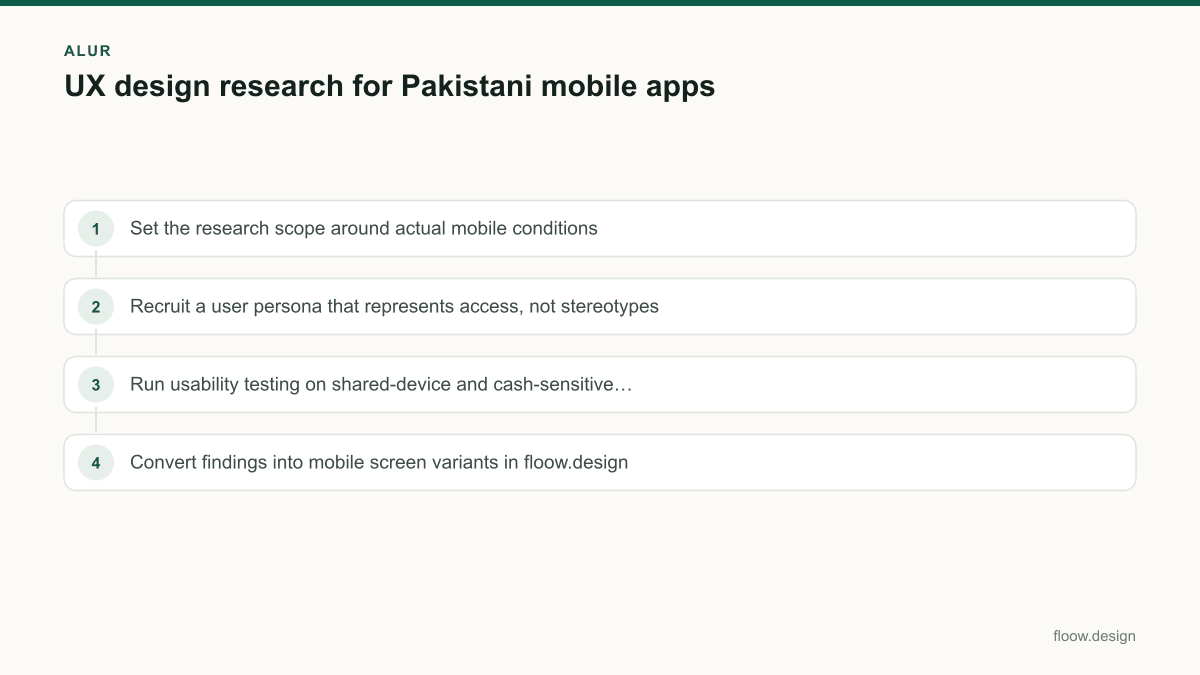
- •Set the research scope around actual mobile conditions
- •Recruit a user persona that represents access, not stereotypes
- •Run usability testing on shared-device and cash-sensitive flows
- •Convert findings into mobile screen variants in floow.design
Set the research scope around actual mobile conditions
Start with the journey, not a generic preference survey. Map the first-use, sign-in, payment or cash-selection, confirmation, support, and return-use steps. For each step, write a research assumption that can be disproved: for example, whether a person can safely receive a notification on a shared phone, understand a payment status, or complete a task after switching interface language.
Pakistan’s national language is Urdu, and Urdu is written in a right-to-left script. English is also an official language of Pakistan, so language use must be a research variable rather than an afterthought. Test participants on the language they normally choose, then test language switching only if the app offers it. For Urdu screens, inspect right-to-left reading order, icon direction, field alignment, number entry, and mixed Urdu-English strings. Keep an observer log for hesitation, backtracking, and requests for help rather than asking only whether participants “liked” the screen.
Use the constitutional language position as the baseline for language planning, then validate the product-specific audience in sessions. National Assembly of Pakistan publishes Pakistan’s Constitution.
Recruit a user persona that represents access, not stereotypes
A Pakistan user persona should describe the circumstances that change mobile behaviour. Include preferred reading language, Urdu literacy for the specific task, English comfort where relevant, phone ownership or sharing, SIM and number stability, notification privacy, typical payment method, and the consequences of a failed transaction. Add goals and barriers tied to your product, not broad labels such as “urban user” or “low-income user.”
Pakistan has four provinces: Punjab, Sindh, Khyber Pakhtunkhwa, and Balochistan. If your app is intended for a national audience, use these provinces as a recruitment frame and state clearly which locations and participant types are missing from the first round. Do not claim national validation from a small study in one city. Balance the sample by the behaviours that matter to the flow: cash versus digital payment preference, shared versus personally controlled device, and Urdu versus English task completion.
In screening, ask neutral questions: “Who can access this phone?”, “Which language do you read for financial or service messages?”, and “How would you normally pay for this?” Keep identifying details out of research notes unless they are essential and consented to. Government of Pakistan is the official national-government reference point.
Run usability testing on shared-device and cash-sensitive flows
Use task-based usability testing with a prototype on a mobile device. Give a realistic goal, such as finding a service, reviewing the total, selecting a payment route, saving a confirmation, or getting help after a failed attempt. Ask participants to think aloud, but do not interrupt a task every few seconds. Record completion, wrong turns, comprehension of labels, confidence before confirmation, and what information they would need to keep private on a phone another person may use.
For shared-device scenarios, test visible account details, remembered sessions, recent activity, notifications, one-time-code prompts, and sign-out recovery. The correct design is not automatically more security screens: test whether each control is understood and whether it creates a new lockout risk. For cash-related journeys, test how users distinguish “pay now,” “pay later,” “cash,” “pending,” and “confirmed.” Show a clear amount in PKR, a reference or receipt state where appropriate, and a recovery path for incomplete payments.
Run separate sessions for Urdu right-to-left and English presentations. A translated label is not sufficient evidence that the reading order, action hierarchy, and error copy work. Build findings around observed behaviour, then rank issues by task impact and frequency.
Convert findings into mobile screen variants in floow.design
After each research round, turn findings into a compact decision record: participant context, task, evidence, issue, risk, and proposed screen change. Keep language direction and device-sharing conditions attached to the issue. “Users were confused” is too vague; “three Urdu-interface participants read the secondary action as the primary exit route” gives a designer a testable change.
Use floow.design to create testable variants after documenting the local research findings. Create one variant for the smallest change that addresses the evidence and another where the flow structure needs to change. For example, compare a confirmation screen with a clearer PKR amount and status explanation against a version that also changes the action order. For Urdu, review the whole mobile layout in right-to-left context rather than merely mirroring individual controls.
Return the variants to participants with the same task and success criteria. This makes usability testing comparable across rounds: measure whether people complete the journey, explain the status correctly, and recover when they choose the wrong option. Preserve rejected variants and their evidence; they prevent the team from reopening already tested ideas when the product expands into another province or language segment.
Common mistakes
Recruiting only English-speaking participants because the prototype copy is unfinished.
Test the intended Urdu right-to-left experience early, even with representative prototype content, and run English sessions as their own condition.
Treating “Pakistan users” as one persona.
Segment by behaviours that alter the flow: language use, province coverage, device sharing, payment preference, and privacy needs.
Testing a cash option only as a label on a payment screen.
Test amount understanding, payment status, receipt or reference needs, incomplete-payment recovery, and support access.
Changing several screens after research without retaining the evidence.
Write a finding-to-change record, create focused variants in floow.design, and retest the same task with defined success criteria.
Frequently asked questions
How do I conduct UX design research in Pakistan?
Conduct UX design research in Pakistan by recruiting participants around the mobile behaviour your app depends on: language preference, phone sharing, payment habits, and privacy needs. Use task-based usability testing on Urdu right-to-left and English interfaces where both are offered. If the product targets national use, plan recruitment across Punjab, Sindh, Khyber Pakhtunkhwa, and Balochistan rather than relying on one location.
Should I test in Urdu and English?
Yes, test in Urdu and English when your Pakistani mobile app supports both languages or expects users to move between them. Urdu is written right to left, so test layout direction, icon meaning, mixed-language strings, numbers, form entry, and error states in the actual interface. English testing should not be used as a substitute for validating Urdu task completion.
What should a Pakistan user persona include?
A Pakistan user persona should include the person’s preferred reading language, Urdu and English comfort for the task, phone ownership or sharing arrangement, notification privacy, payment preference, connectivity context, goals, and recovery needs after a failed action. For national products, record relevant provincial coverage across Punjab, Sindh, Khyber Pakhtunkhwa, and Balochistan without reducing people to provincial stereotypes.
How should I test a shared-phone flow in Pakistan?
Test a shared-phone flow in Pakistan by asking participants to complete realistic tasks while considering who else can see the device. Observe whether account names, balances, recent activity, notifications, remembered sessions, and verification prompts expose information or prevent recovery. Test privacy controls as part of the normal task, including sign-out and return access, rather than presenting them as isolated settings.
Where this leaves you
Pakistani mobile research becomes useful when it captures the conditions that alter a flow: Urdu right-to-left reading, English-language use, device sharing, payment choices, and provincial coverage. Document those findings first, use floow.design to create focused mobile variants, and validate the variants with the same tasks before release.
Design the screens first
Describe the app in plain language and floow.design draws the iOS and Android screens for you, ready to refine and hand off.
Sources
- •National Assembly of Pakistan — Constitution of Pakistan
- •Government of Pakistan
- •State Bank of Pakistan
Related reading
Design your mobile app with AI.
Generate pixel-perfect iOS and Android screens in seconds, then export to Figma or code.
You might also like…
 How-to20 September 2026User persona for Pakistan mobile app researchBuild a user persona for Pakistan mobile apps with practical fields for language, city, device and Easypaisa, JazzCash or bank/Raast payment access.By floow.design Team, Mobile Design
 Guides21 September 2026Onboarding screen ideas for Pakistani walletsDesign wallet onboarding for Pakistan: explain transfers and Raast first, then hand users to a separate CNIC and regulated KYC journey.By floow.design Team, Mobile Design
 Guides21 September 2026Dashboard design for Pakistani fintech appsDesign a Pakistani fintech dashboard around PKR balances, Raast transfers, bill payments, wallet limits and verification alerts users can act on.By floow.design Team, Mobile Design